
AI Music Remixer
Sample results
Explore Music Created with LumiMusic
Discover music created with our AI music generator and find inspiration for your own songs.
Remix Songs Without Starting Over
Keep the musical identity you like while exploring a different sound.

Keep the Original Song Recognizable
Preserve the core melody and musical identity while changing the sound around them.

Change Genre, Mood, and Arrangement
Move a track toward acoustic, electronic, cinematic, lo-fi, rock, or another production direction.
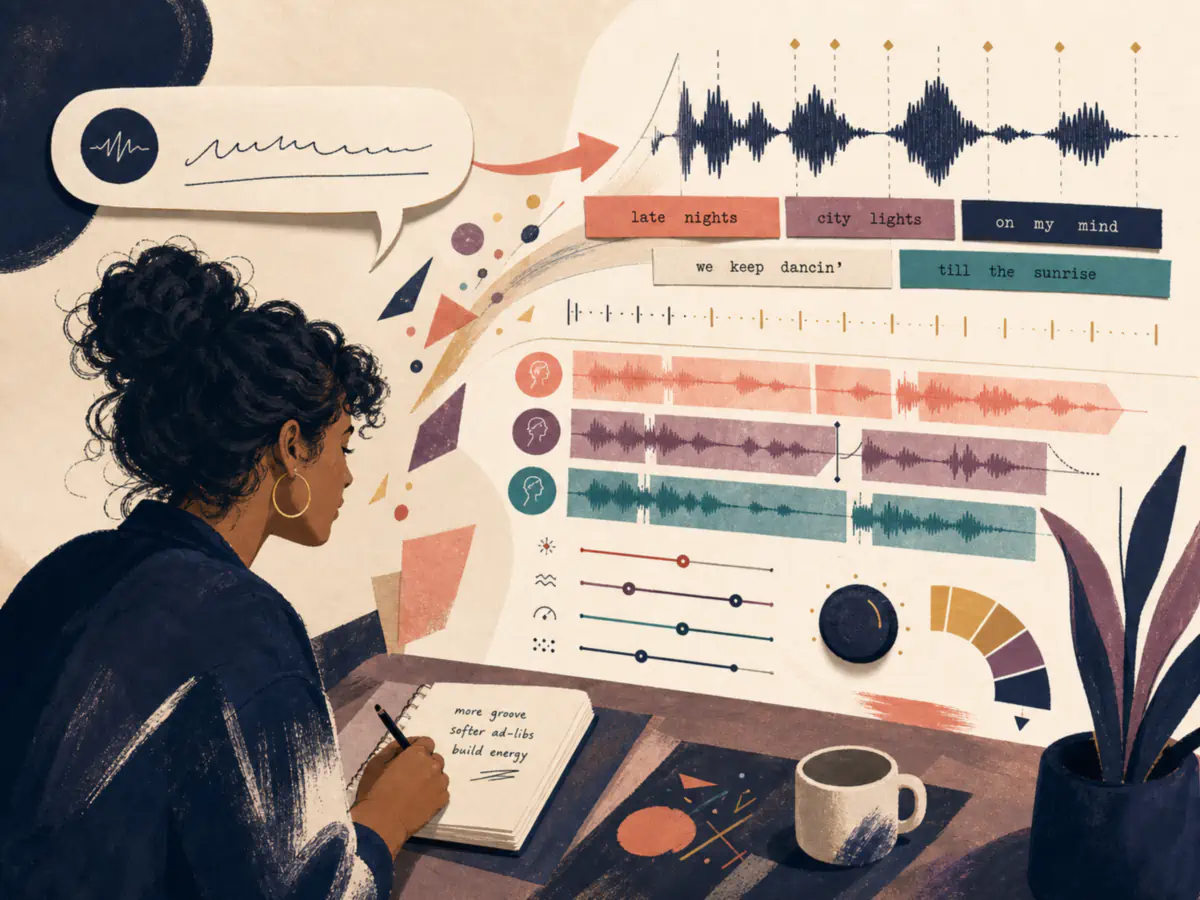
Direct the Remix in Your Own Words
Start with a simple prompt, then use Custom mode for more control over style, lyrics, and vocals.
Remix a Song in 3 Steps
Choose a source, describe the change, and review the result.
Upload or select your song
Upload a supported audio file or choose a track from My Music.
Describe the remix direction
Describe the genre, mood, instrumentation, energy, or production style you want.
Generate and review your remix
Generate the remix and hear how the new direction works with your song.
Frequently Asked Questions
Find answers to common questions about our AI music remixer.