Sample - 4-Stem Splitting
4-Stem Splitter2:43

Sample results
Showcase
Compare vocals, backing vocals, drums, bass, and synth in one synchronized sample.
Turn a finished song into synchronized stems you can hear, control, and download.
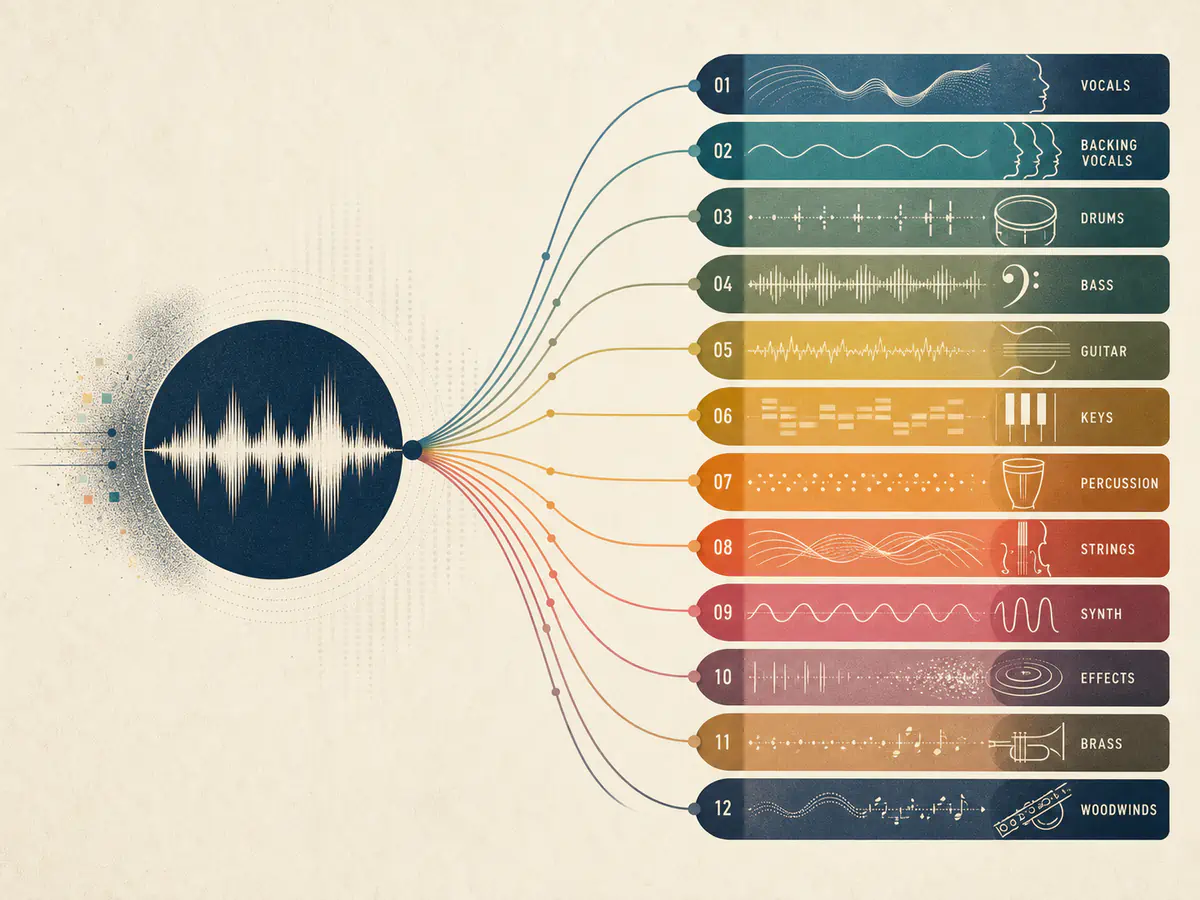
Extract vocals, backing vocals, drums, bass, guitar, keys, percussion, strings, synth, effects, brass, and woodwinds.
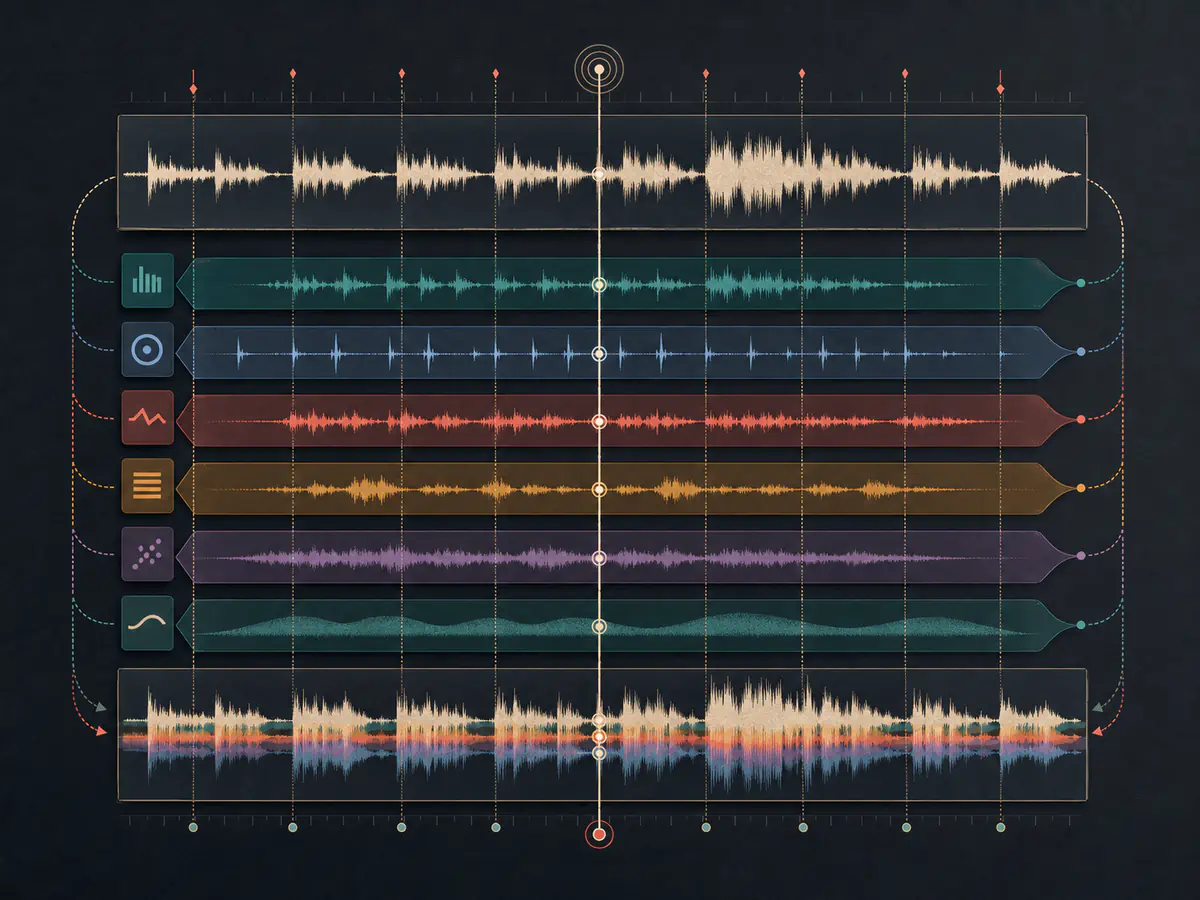
Compare individual parts with the full arrangement while every returned stem stays aligned.
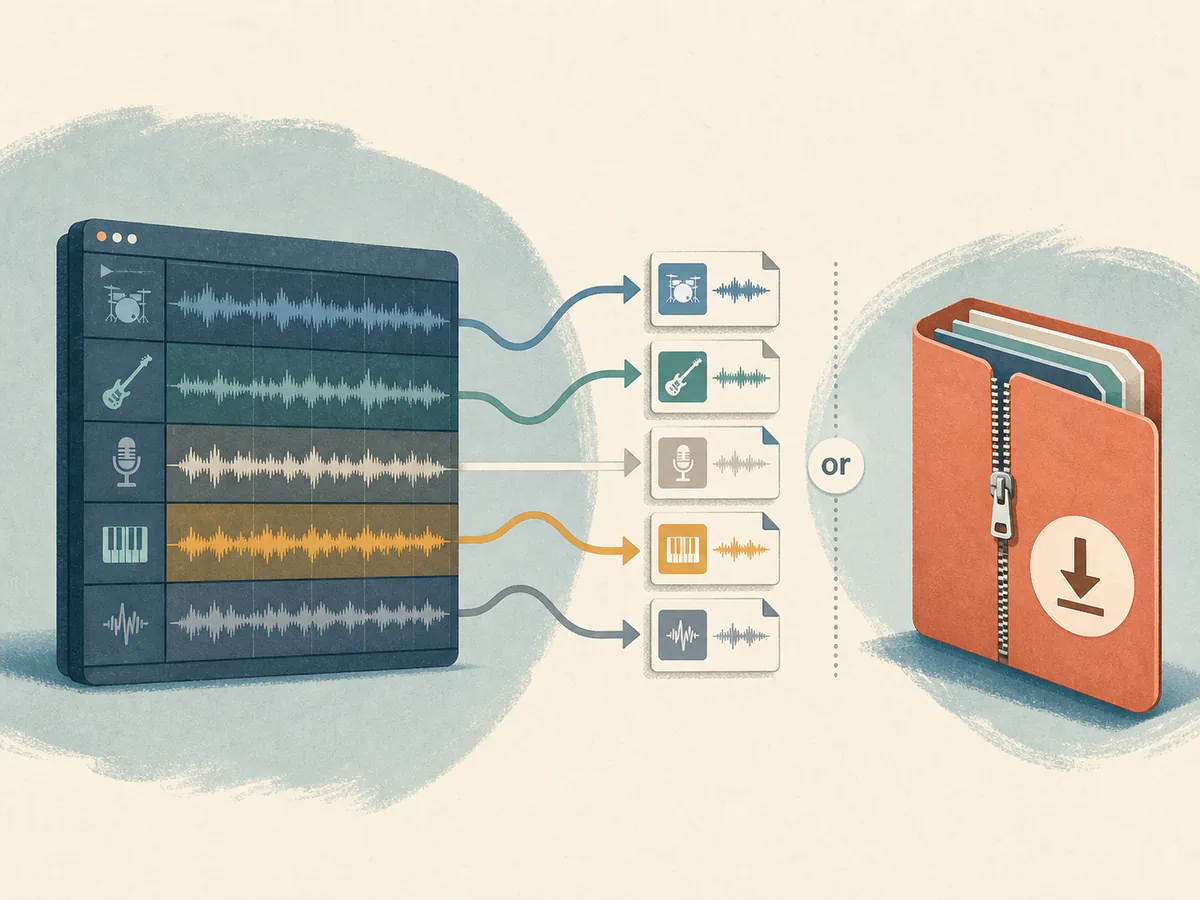
Save the tracks you need separately or download the full stem package for your next workflow.
Upload your song, separate the arrangement, and mix or download every available stem.
Upload an audio file or choose a completed song from your music.
AI processes the original mix and isolates its musical parts.
Preview synchronized tracks, use Solo or Mute, then download individual tracks or a ZIP.
Use separated stems wherever deeper control over a finished mix matters.
Rebuild sections, change instrumentation, and prepare individual parts for a new version of the song.
Isolate vocals, drums, bass, guitar, or keys to hear and practice each performance more clearly.
Bring separated parts into your preferred editing or production workflow for more detailed control.
Find answers to common questions about our AI stem splitter.