
Unir audios online gratis
Combina varias pistas en un único archivo continuo con fundidos cruzados suaves y sin pausas. Todo se procesa de forma local en tu navegador.
Une pistas de audio fácilmente en tu navegador
Une canciones, stems o grabaciones con fundidos precisos, recorte de silencios y exportación local privada.
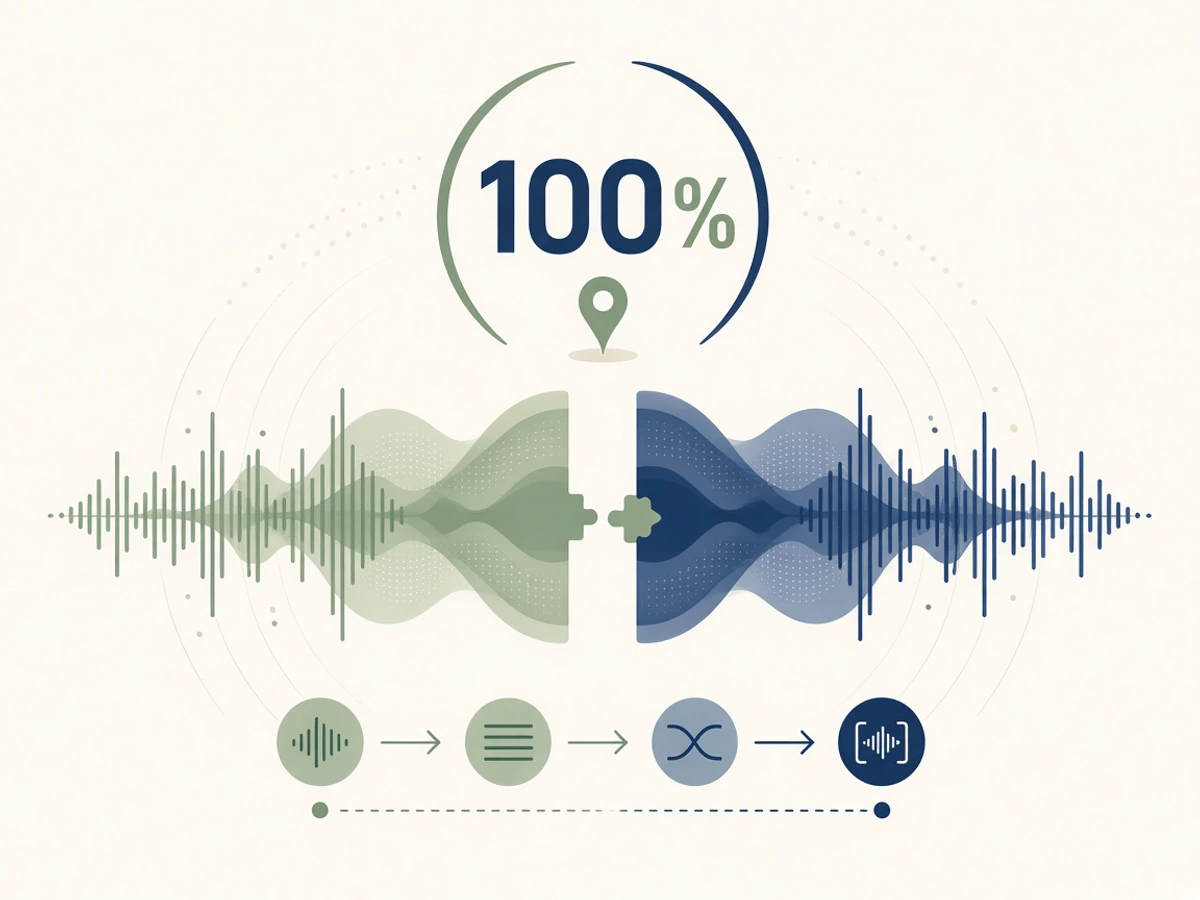
Une archivos de audio de forma local y privada
Tus pistas de audio nunca se suben a un servidor. Toda la decodificación, visualización, mezcla y exportación se procesa en tu navegador.
Abrir unión de audio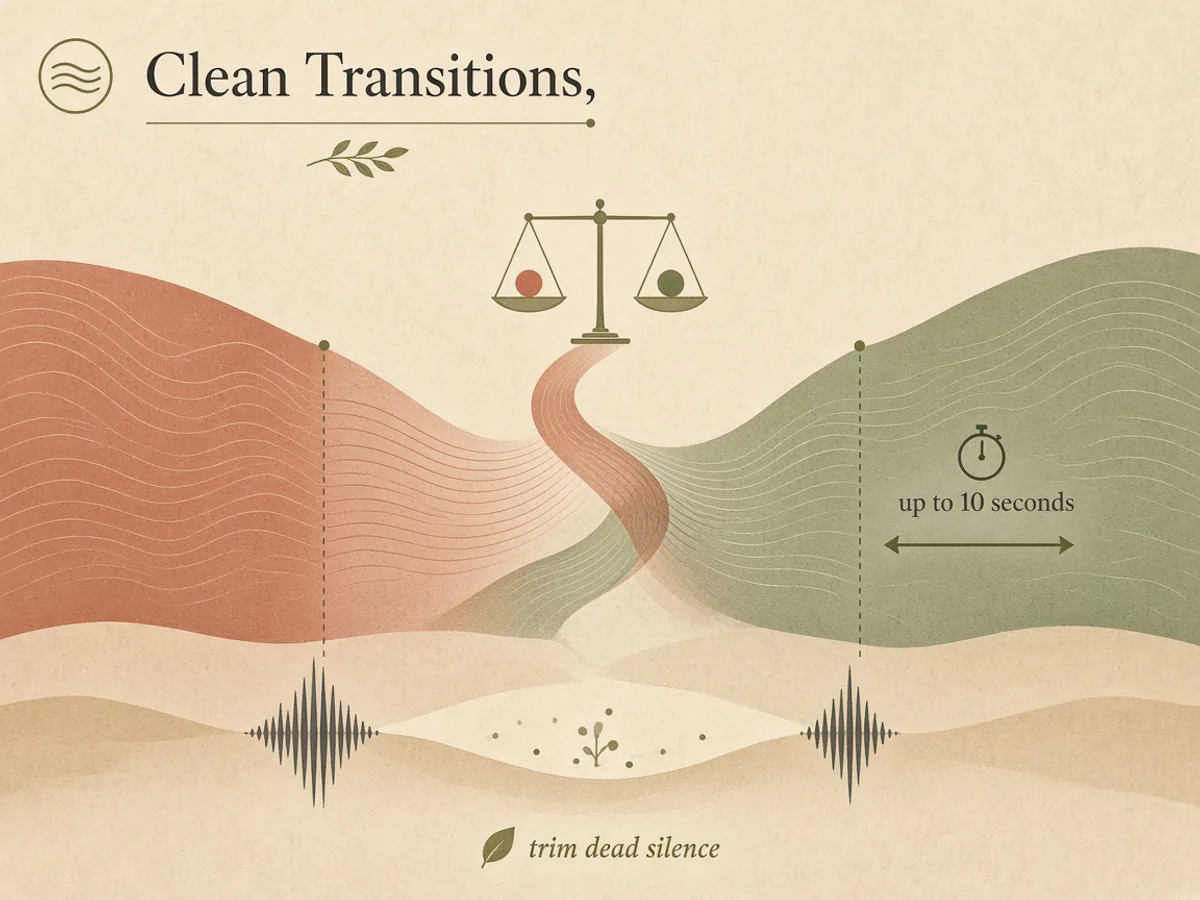
Uniones fluidas con fundido cruzado
Mezcla pistas consecutivas con fundidos cruzados de hasta 10 segundos y recorta automáticamente los silencios donde se unen los archivos.
Abrir unión de audio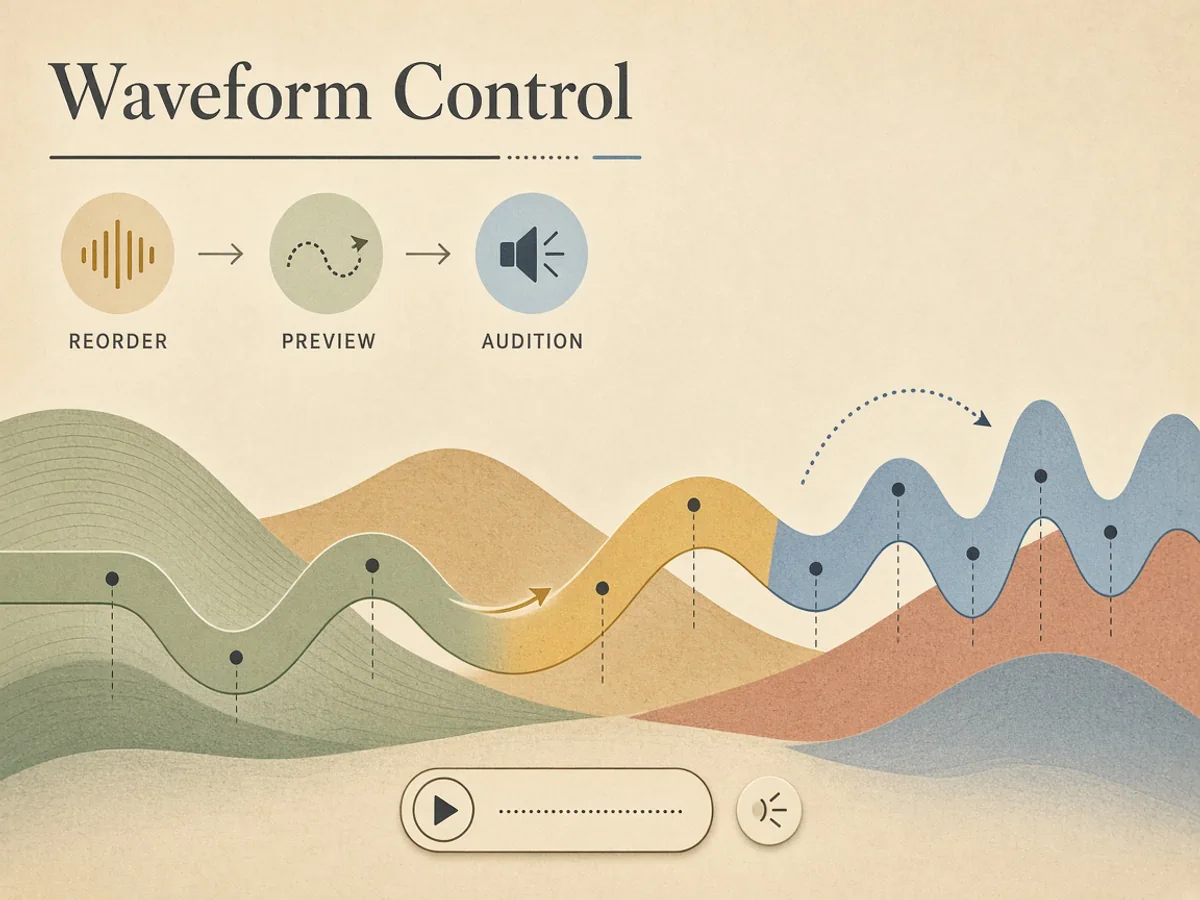
Reordena pistas y ajusta en la forma de onda
Arrastra clips para cambiar el orden, ajusta los puntos de inicio y fin sobre la onda sonora y escucha cada pista antes de exportar.
Abrir unión de audio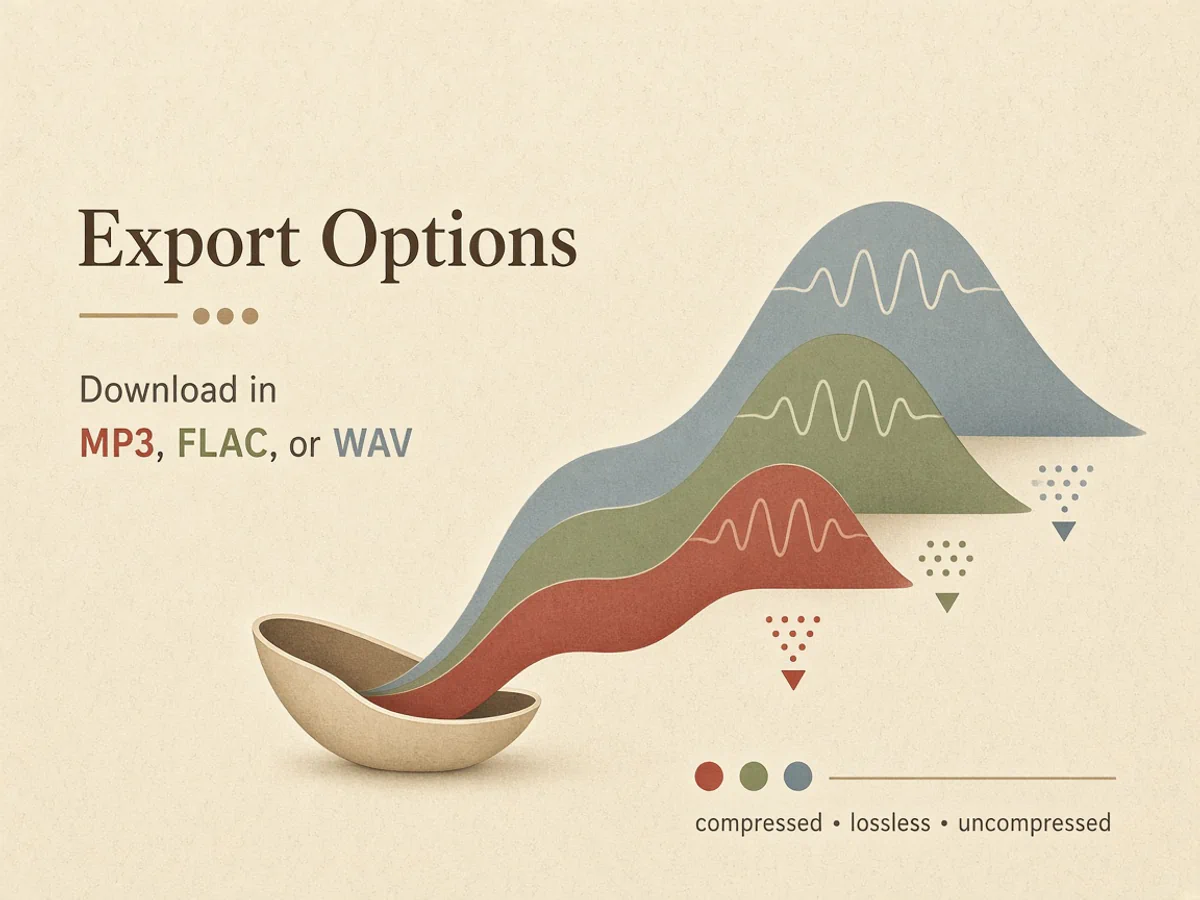
Descarga en MP3, FLAC o WAV
Exporta en MP3 a 320 kbps para compartir rápido, FLAC de 16 bits sin pérdidas para archivo o WAV sin comprimir para tu editor.
Abrir unión de audioCómo unir archivos de audio en 3 pasos
Combina varias canciones o pistas en un archivo continuo sin instalar ningún programa.
- 01
Añade tus pistas de audio
Sube archivos MP3, WAV, M4A, FLAC u OGG desde tu dispositivo o elige temas creados en tu biblioteca.
- 02
Organiza y ajusta transiciones
Arrastra las pistas para ordenarlas, ajusta los puntos de corte y define la duración de fundido de entrada y salida.
- 03
Exporta y descarga
Elige el formato MP3, FLAC o WAV y pulsa descargar para guardar el archivo combinado en tu dispositivo.
Formas populares de unir audio
Desde listas continuas y podcasts hasta popurrís y notas de voz, une tus audios sin cortes bruscos.
Listas de reproducción continuas y sesiones ambientales
Combina varias pistas ambientales o instrumentales en una sola sesión continua para trabajar o relajarte.
Episodios de podcast y fragmentos de voz
Junta sintonías de entrada, entrevistas grabadas, pausas y despedidas en un episodio listo para publicar.
Popurrís de canciones, maquetas y mezclas
Une fragmentos de canciones, maquetas de prueba o popurrís para fiestas con transiciones fluidas.
Notas de voz y grabaciones del móvil
Junta notas de voz, audios de chat o grabaciones de campo en un solo archivo para compartir o guardar, sin instalar un editor de escritorio.
Una plataforma en la que confían los creadores de música
Hecho para quien hace cualquier tipo de música. Si aún tienes dudas, lee lo que dejaron personas que ya lo usan.
¿Quieres que tu reseña aparezca aquí? Escribe una reseña
Preguntas frecuentes sobre unir audio
Preguntas habituales sobre unión de archivos de audio, fundidos, formatos y privacidad.
¿Qué es un unificador de audio online?
Una herramienta para unir audio es una aplicación en línea que combina dos o más pistas en un archivo continuo. Permite ordenar fragmentos, aplicar fundidos, recortar silencios y exportar en formatos estándar en el navegador.
¿Se suben mis archivos de audio a un servidor?
No. Tus archivos permanecen en tu dispositivo. La decodificación, el renderizado de la forma de onda, la mezcla y la codificación se ejecutan localmente en tu navegador sin subirse a ningún servidor.
¿Qué formatos de audio puedo importar y exportar?
Admite archivos MP3, WAV, M4A, FLAC y OGG de hasta 250 MB cada uno. Puedes exportar el resultado final en MP3 a 320 kbps, FLAC de 16 bits sin pérdidas o WAV de 16 bits sin comprimir.
¿Puedo unir distintos formatos de audio en un solo archivo?
Sí. Puedes mezclar MP3, WAV, M4A, FLAC y OGG en la misma lista. Cada clip se decodifica en el navegador y se exporta como un único archivo en el formato que elijas.
¿Unir archivos MP3 empeora la calidad?
Si exportas a MP3, el resultado se recodifica a 320 kbps. Para evitar otra pasada con pérdida, exporta en FLAC de 16 bits o WAV sin comprimir.
¿Cómo funciona el fundido cruzado (crossfade)?
En el punto de encuentro de dos pistas, se aplica un fundido cruzado de potencia constante donde la primera se desvanece y la siguiente sube. Puedes ajustar la duración hasta 10 segundos por pista o ponerla en cero para un corte directo.
¿Puedo recortar y unir los clips en la misma herramienta?
Sí. Define el inicio y el final en cada forma de onda, recorta el silencio en las uniones si quieres y exporta un archivo continuo. No necesitas un recortador aparte.
¿Hay límites en la cantidad de archivos o en la duración?
Puedes unir 2 o más pistas, de hasta 250 MB cada una. Las listas muy largas usan más memoria en dispositivos pequeños, por eso verás un aviso hacia las 50 pistas.
¿Es gratis usar la herramienta para unir audio?
Sí. Unir, recortar y exportar archivos de audio es 100 % gratis y no consume créditos de tu cuenta. No es necesario iniciar sesión para archivos locales. Los planes de pago están pensados para herramientas de IA.
¿En qué se diferencia de programas de escritorio como Audacity?
Los editores de escritorio como Audacity son programas completos de grabación y mezcla que requieren instalación y ajustes. Esta herramienta funciona directamente en el navegador y está pensada para unir pistas con transiciones limpias y sin descargas.