
Free Online MIDI Editor
Create MIDI from scratch or edit existing files in a focused browser sequencer.
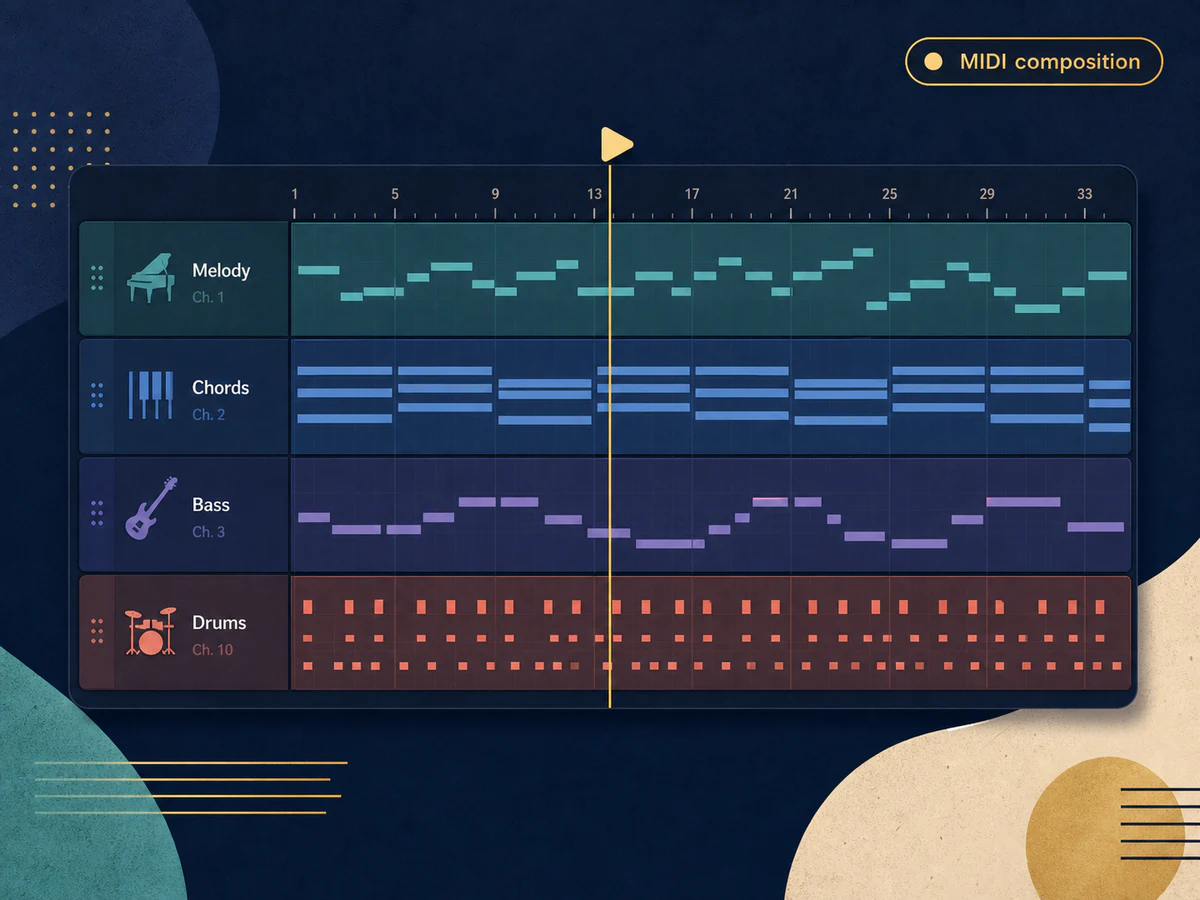
Create and Arrange MIDI Tracks
Build melodies, chords, bass lines, and rhythm parts across multiple tracks, then play them back as you compose.
Open MIDI Editor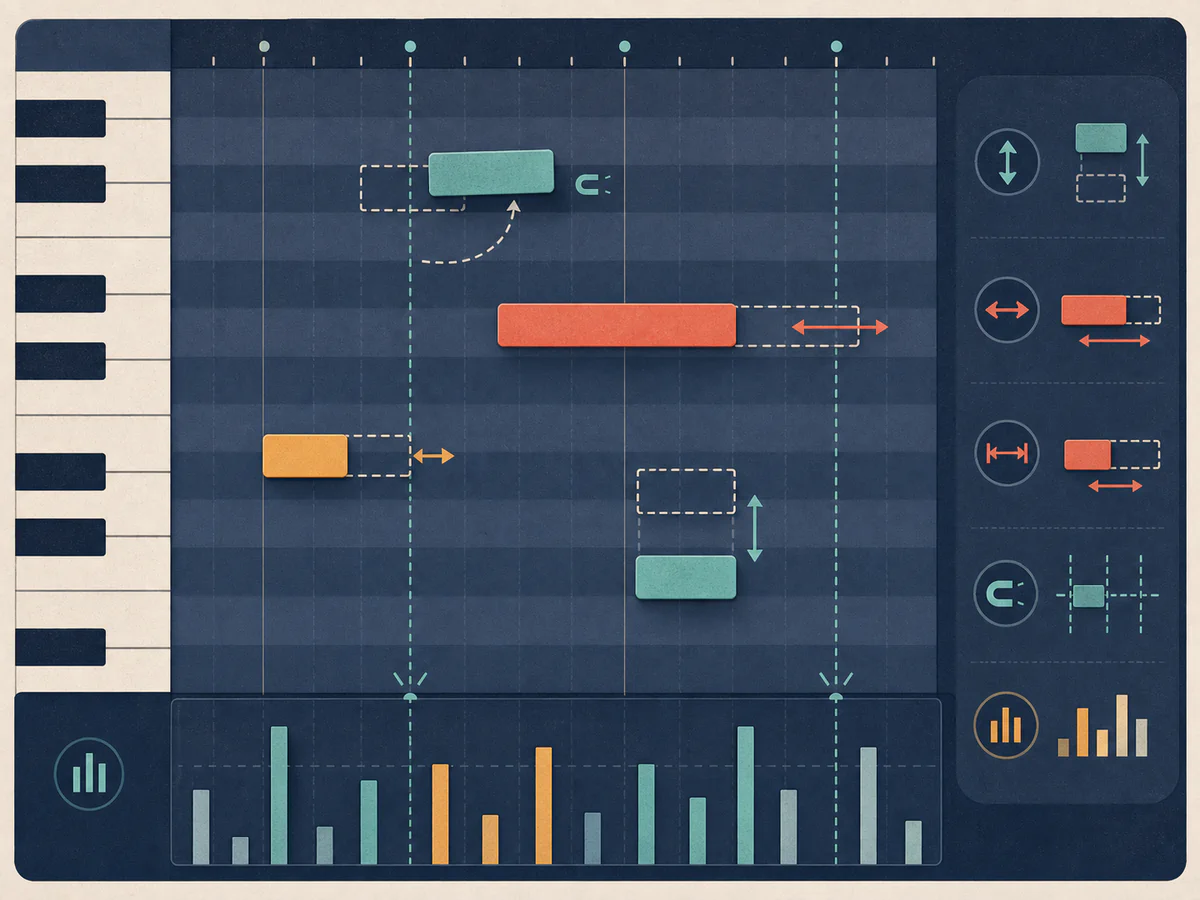
Edit Notes in the Piano Roll
Adjust pitch, timing, duration, and velocity in the piano roll, with quantization for cleaner note placement.
Open MIDI Editor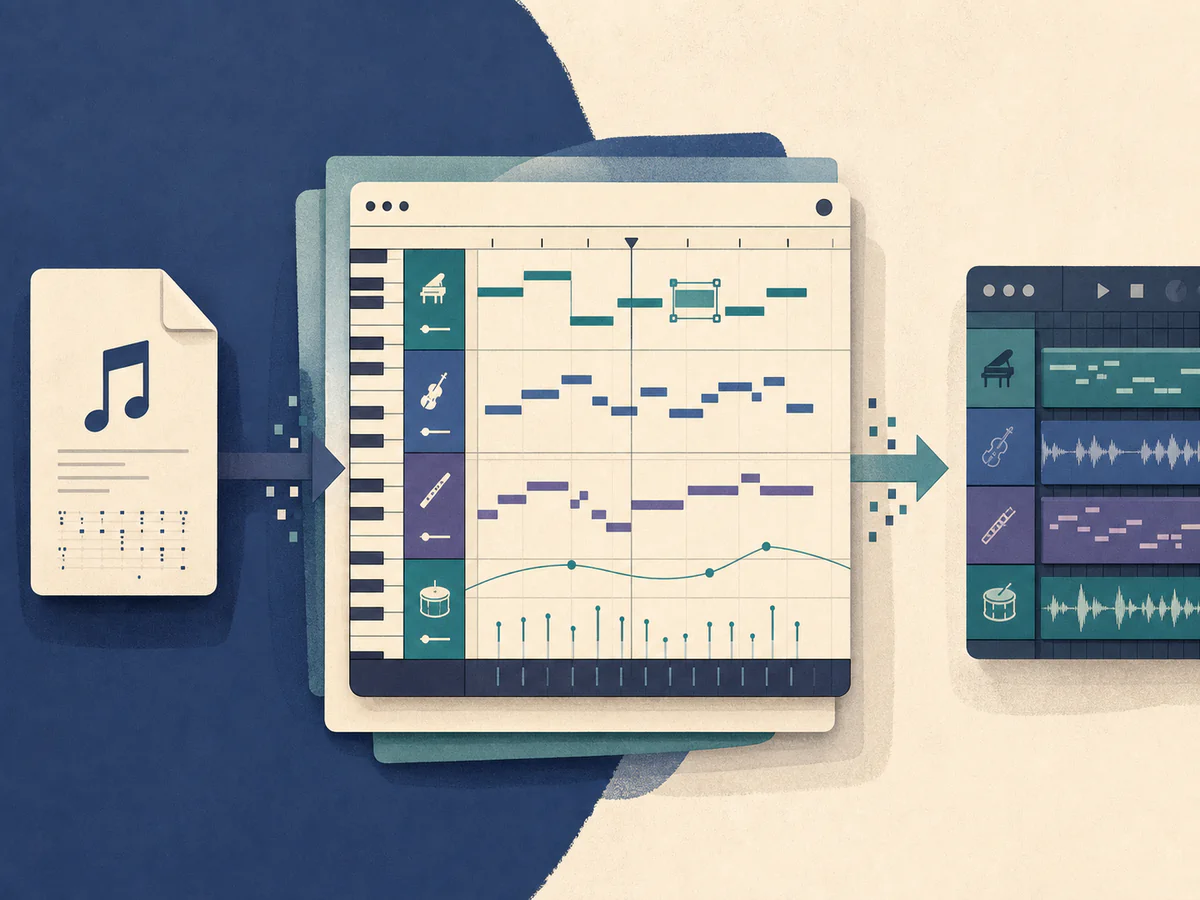
Import, Edit, and Export MIDI Files
Open standard MIDI files, refine their tracks and notes, then export them for your DAW or other music tools.
Open MIDI EditorWays to Use the Online MIDI Editor
Move from musical ideas to editable MIDI for writing, study, and production.
Write Melodies and Arrangements
Capture melodies, chord progressions, bass lines, and rhythm parts before opening a full DAW session.
Study and Rework MIDI Files
Inspect note timing, harmony, velocity, and arrangement in a visual format for learning or practice.
Prepare MIDI for Your DAW
Clean up notes and timing, choose instruments, and export a standard MIDI file for further production.
A Platform Trusted by Music Creators
Built for people who make music of all kinds. If you are still unsure, read the notes real users left.
Want your review shown here? Write a review
Online MIDI Editor FAQ
Answers about creating, importing, editing, exporting, and using MIDI with a DAW.
What is an online MIDI editor?
An online MIDI editor is a browser-based sequencer for creating, playing, editing, importing, and exporting MIDI files without installing desktop software.
Can I create MIDI from scratch?
Yes. Start with an empty song, add tracks, draw notes in the piano roll, and play back melodies, chords, bass lines, or rhythm parts as you compose.
Can I edit an existing MIDI file?
Yes. Open a standard MIDI file, edit its tracks, notes, tempo, and instruments, then export the updated file.
Does it replace a full DAW?
No. This editor is designed for MIDI composition and note editing. Use a DAW for audio recording, mixing, effects, and final production.
Do I need to install anything?
No. Open the editor in a modern browser and start creating or editing MIDI without installing a desktop application.
Is the MIDI editor free?
Yes. Creating, editing, importing, playing, and exporting MIDI does not require credits or an account.