
Add Vocals to Music
Sample results
Turn an Instrumental into a Complete Song
Add AI vocals to your beat while keeping creative control over lyrics, style, and delivery.
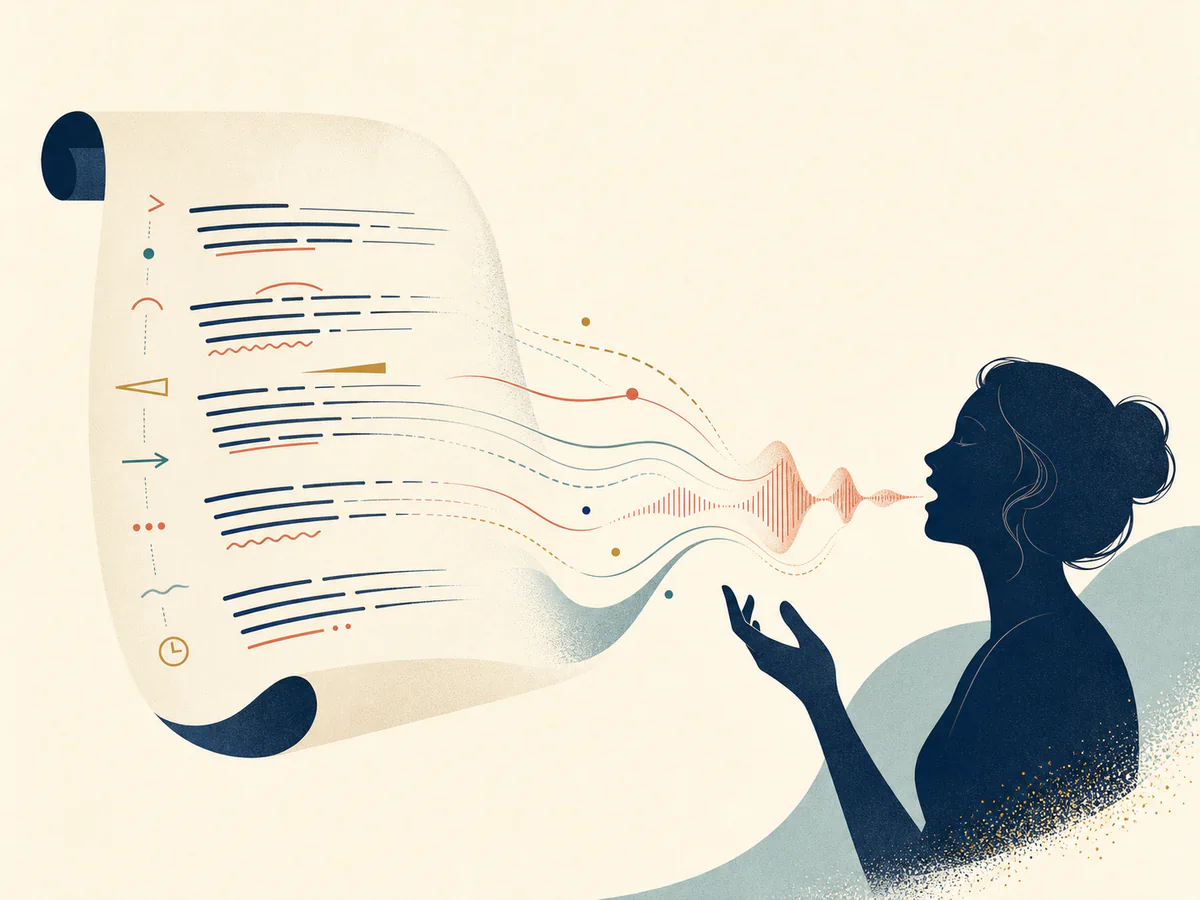
Create Sung Vocals from Your Lyrics
Guide the performance with lyrics, emotion, and vocal direction instead of settling for a generic melody.
Add Vocals Now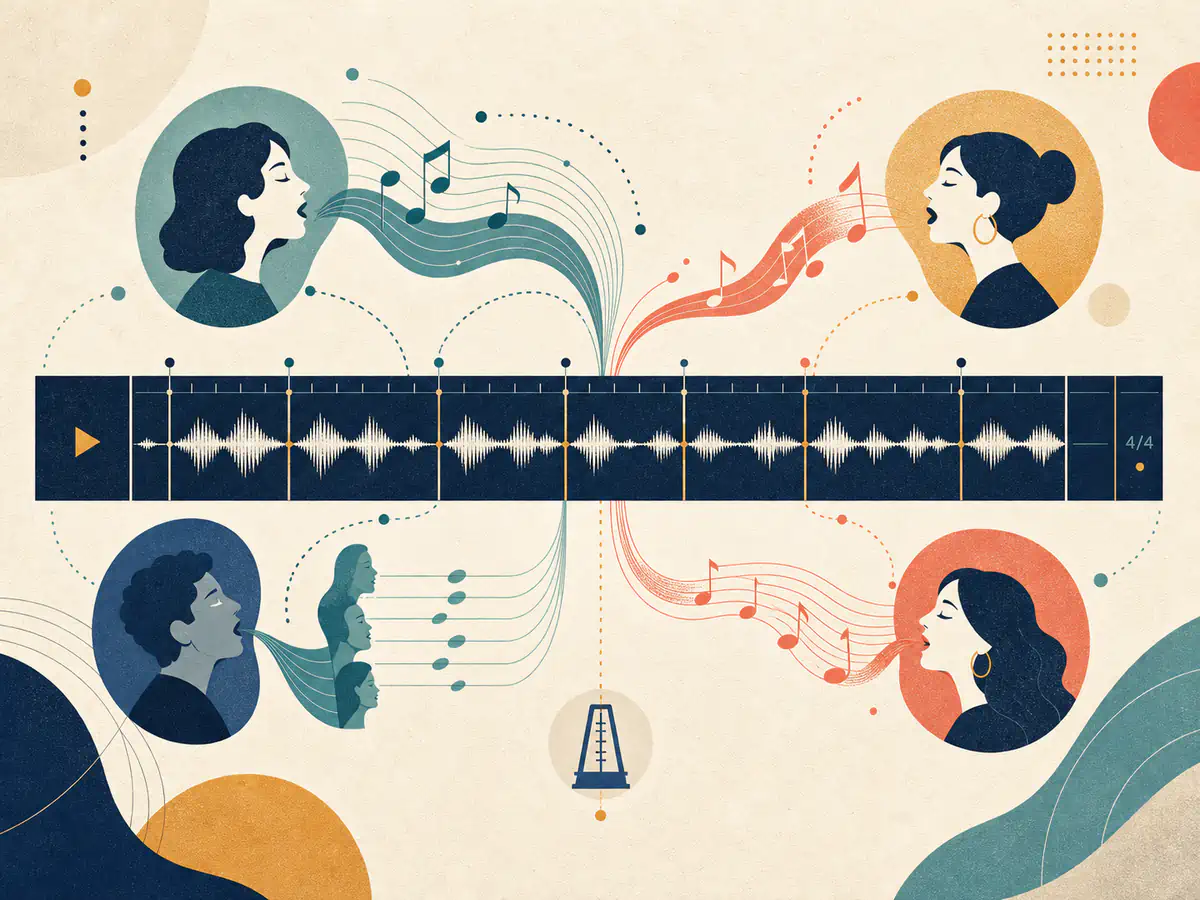
Keep the Backing Track at the Center
Generate vocals around the rhythm, mood, and structure of the instrumental or beat you provide.
Add Vocals Now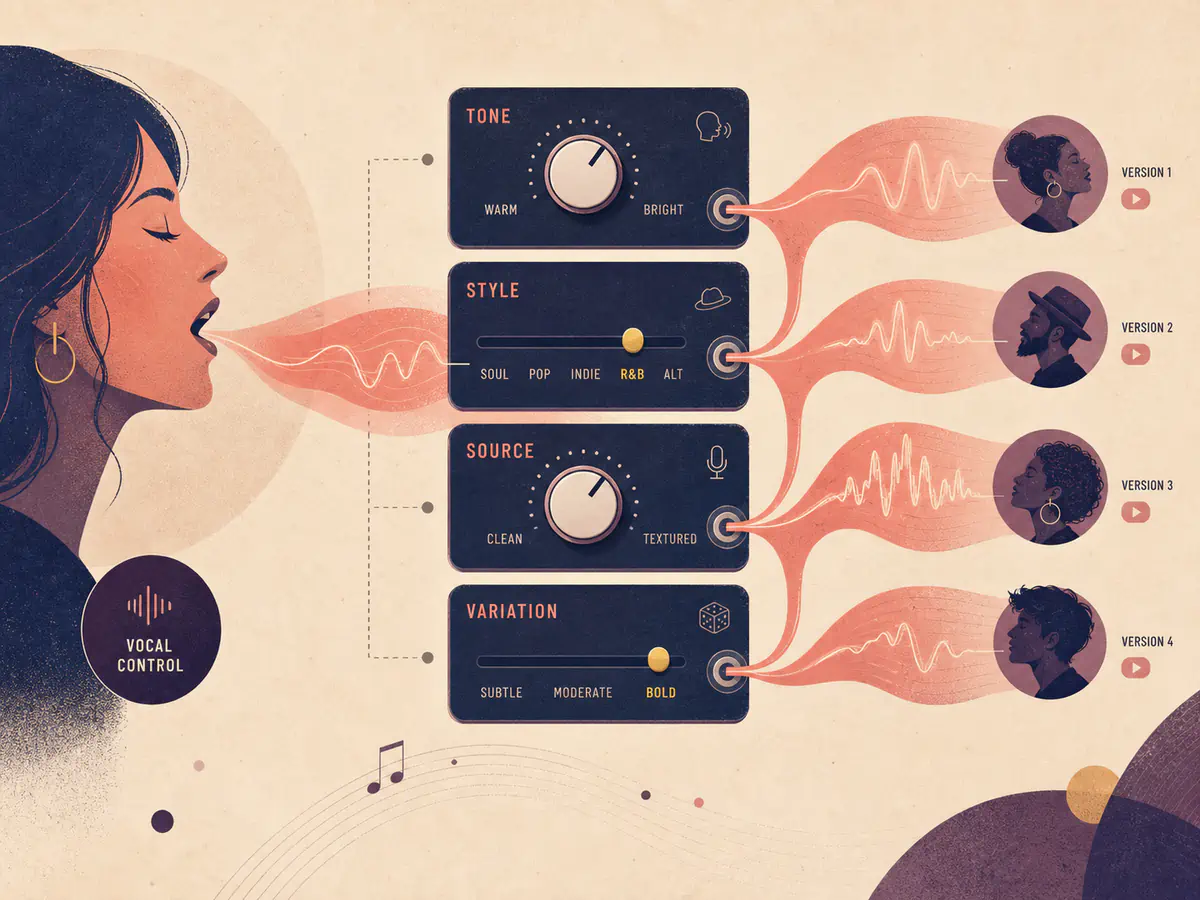
Shape the Voice and Singing Style
Adjust vocal character, style influence, source influence, and creative variation for each version.
Add Vocals NowHow to Add Vocals to an Instrumental
Upload your music, direct the vocal performance, and review the generated song.
- 01
Choose an Instrumental
Upload a beat or choose a completed instrumental from your music library.
- 02
Add Lyrics and Direction
Enter the lyrics, genre, mood, and vocal character you want to hear.
- 03
Generate and Continue Editing
Listen to the results, download a version, or send it into another music tool.
A Platform Trusted by Music Creators
Built for people who make music of all kinds. If you are still unsure, read the notes real users left.
Want your review shown here? Write a review
Frequently Asked Questions
Find answers to common questions about adding vocals to music.
How does AI add vocals to music?
The tool uses your uploaded instrumental or selected track as source context, then generates a sung performance from your lyrics and vocal direction.
Can I add vocals to an instrumental or beat?
Yes. Instrumentals, beats, and backing tracks are the clearest starting points because the generated vocal has room to follow the existing rhythm and arrangement.
Can I use my own lyrics?
Yes. Enter your lyrics with any performance notes you want the generation to consider, such as mood, energy, phrasing, or genre.
Can I control the AI singing voice?
You can guide vocal character and adjust style, source influence, and creative variation. These settings influence the result but do not guarantee one exact voice.
How many credits does adding vocals use?
A V series add-vocals task uses 10 credits. An R series task uses 20 credits. Credits are automatically returned if the generation task fails.
Can I use the generated song commercially?
Only use source audio that you own or are authorized to use. Commercial use of the result also depends on your active plan and the current license terms; a plan license does not grant rights to third-party source material.