
Free Audio Joiner
Combine several tracks into one continuous file, with smooth crossfades and no gaps at the joins. Everything runs in your browser.
Merge Audio Tracks Seamlessly in Your Browser
Stitch songs, stems, or recordings together with precise crossfades, automatic silence removal, and private local export.
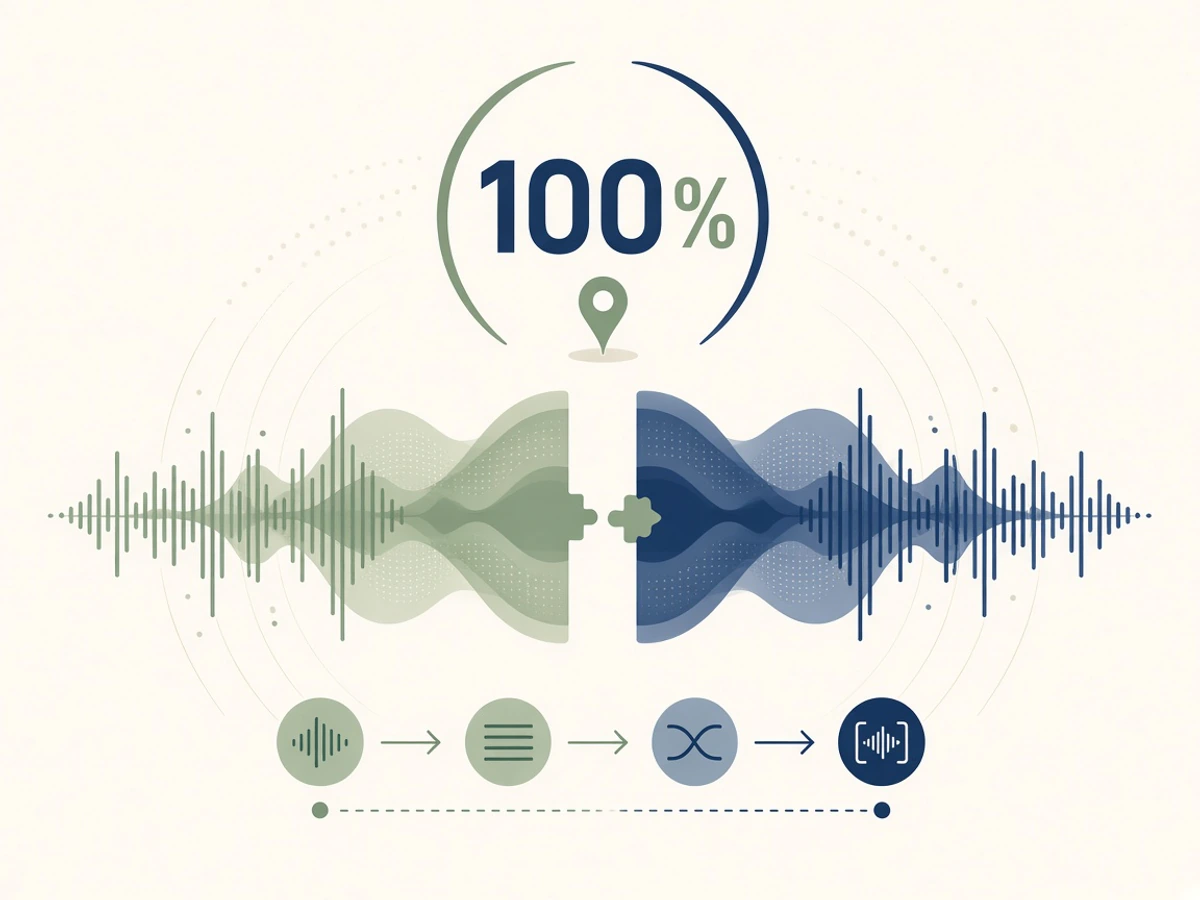
Merge Audio Files Locally and Privately
Your audio never uploads to a remote server. Decoding, waveform rendering, crossfading, and encoding happen directly in your browser.
Open Audio Joiner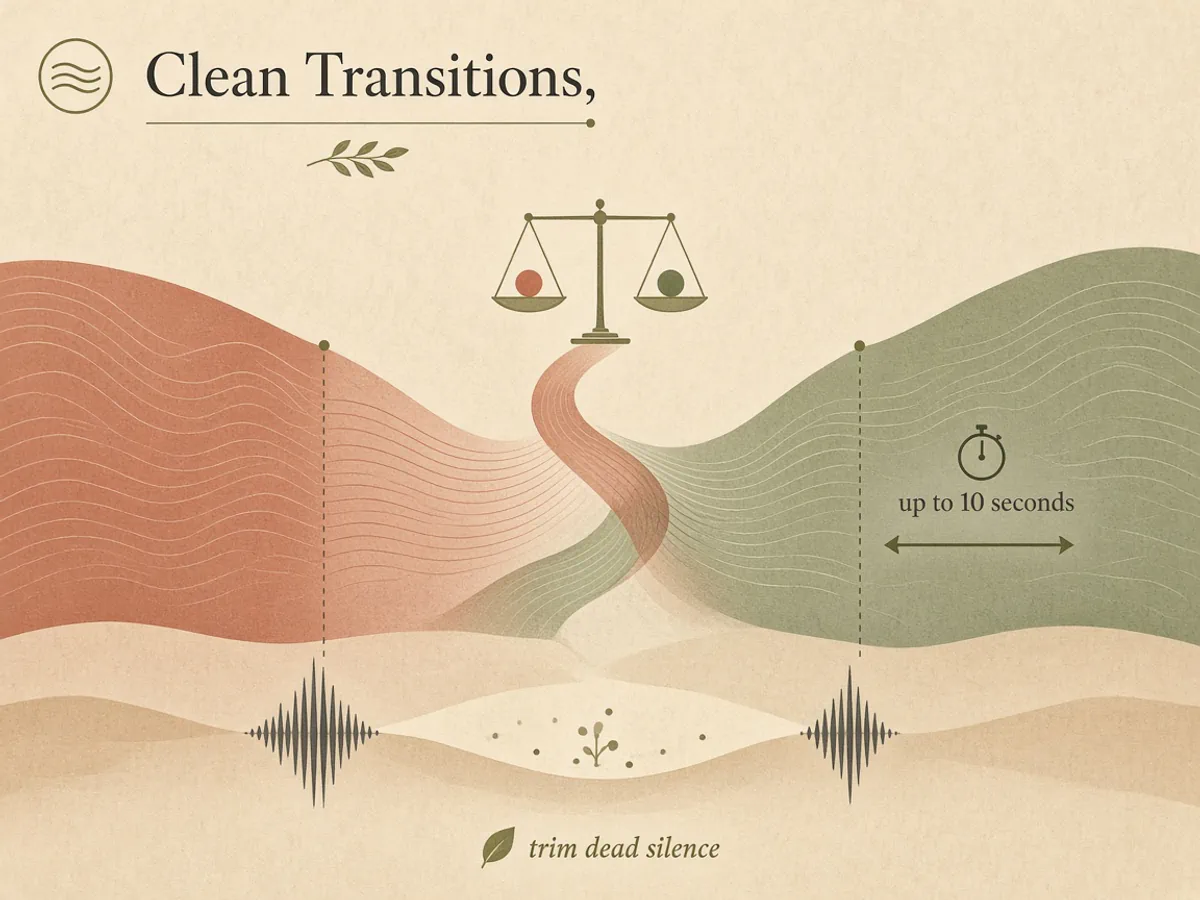
Smooth Joins with Equal-Power Crossfades
Blend adjacent tracks with musical equal-power crossfades up to 10 seconds, and automatically trim dead silence where files meet.
Open Audio Joiner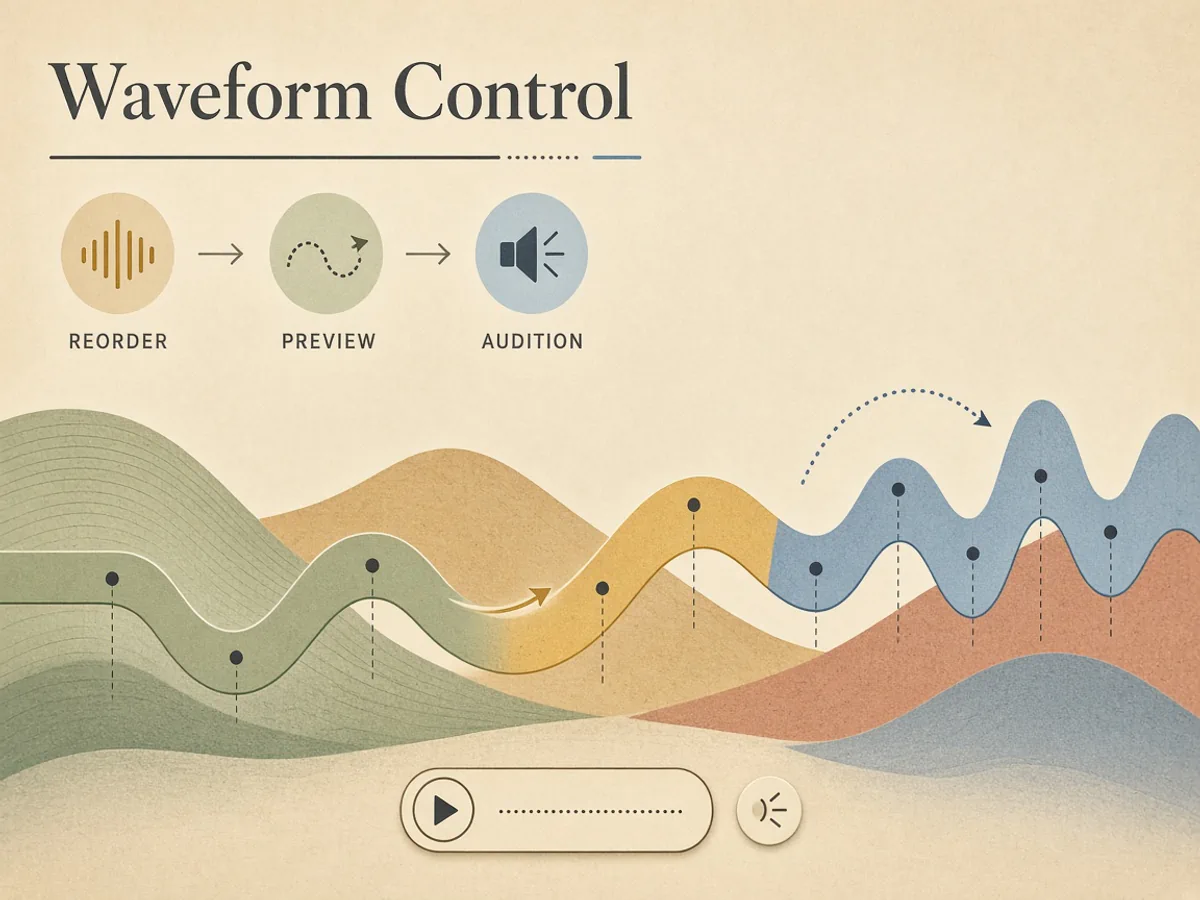
Reorder Tracks and Preview Every Transition
Drag clips into sequence, set individual start and end points on responsive waveforms, and audition playback before exporting.
Open Audio Joiner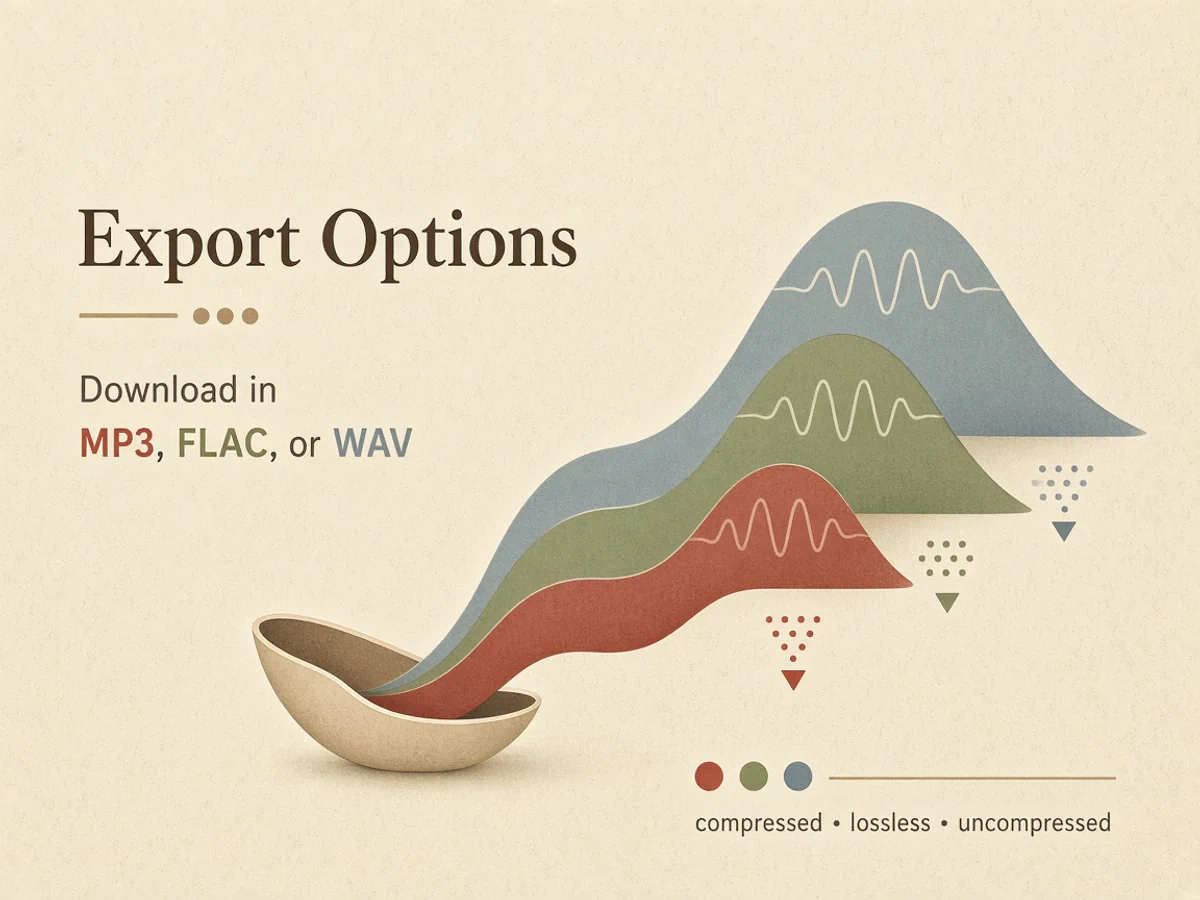
Download in MP3, FLAC, or WAV
Export standard 320 kbps MP3 for fast sharing, lossless 16-bit FLAC for archival quality, or uncompressed WAV for your audio editor.
Open Audio JoinerHow to Merge Audio Files in 3 Steps
Combine multiple songs or audio tracks into one continuous file without installing desktop software.
- 01
Add Your Audio Tracks
Upload MP3, WAV, M4A, FLAC, or OGG files from your device, or pick finished music from your library.
- 02
Arrange and Fine-Tune Transitions
Drag tracks into order, adjust clip boundaries, and set fade-in and fade-out durations on each seam.
- 03
Export and Download
Choose MP3, FLAC, or WAV format, then click download to encode and save the merged audio to your device.
Popular Ways to Use the Audio Joiner
From gapless playlists and podcasts to song medleys and voice memos, stitch your audio without hard cuts.
Continuous Playlists and Ambient Mixes
Blend multiple generative ambient tracks, background music, or chillout sessions into one gapless listening experience.
Podcast Episodes and Voice Segments
Assemble intro music, spoken interviews, mid-roll segments, and outro stings into a single publish-ready audio file.
Song Medleys, Demos, and Mixtapes
Stitch song previews, client demo reels, or party medleys together with smooth musical overlaps between tracks.
Voice Memos and Phone Recordings
Combine voice notes, chat clips, or field recordings into one file you can share or keep, without installing a desktop editor.
A Platform Trusted by Music Creators
Built for people who make music of all kinds. If you are still unsure, read the notes real users left.
Want your review shown here? Write a review
Audio Joiner FAQ
Common questions about merging audio files, crossfades, formats, and privacy.
What is an online audio joiner?
An audio joiner is a tool that merges two or more audio tracks into a single continuous file. LumiMusic Audio Joiner lets you arrange clips, apply equal-power crossfades, trim silence, and export standard audio formats entirely inside your web browser.
Are my audio files uploaded to a server?
No. Your audio files stay on your device. All decoding, waveform analysis, crossfade mixing, and audio encoding run locally in your browser using modern Web Audio and WebAssembly technologies, keeping your recordings private.
Which audio formats can I import and export?
You can import MP3, WAV, M4A, FLAC, and OGG audio files up to 250 MB each. You can export your merged result as a 320 kbps MP3, a lossless 16-bit FLAC, or an uncompressed 16-bit WAV.
Can I join different audio formats in one file?
Yes. You can mix MP3, WAV, M4A, FLAC, and OGG in the same list. Each clip is decoded in the browser, then exported as one file in the format you choose.
Does joining MP3 files reduce audio quality?
Exporting to MP3 re-encodes the result at 320 kbps. To avoid another lossy pass, export as 16-bit FLAC or uncompressed WAV instead.
How does the crossfade transition work?
When two tracks meet, the joiner applies an equal-power crossfade where the first track fades out while the next fades in. You can customize the fade duration per track up to 10 seconds, or set it to zero for an immediate cut.
Can I trim clips and join them in the same tool?
Yes. Set start and end points on each waveform, optionally remove dead silence at the joins, then export one continuous file. You do not need a separate cutter first.
Are there any file count or duration limits?
You can join 2 or more tracks at a time, up to 250 MB per file. Very long lists use more memory on smaller devices, so the page warns you around 50 tracks.
Is the Audio Joiner free to use?
Yes. Joining, trimming, and exporting audio files is 100% free and does not consume account credits. Optional subscriptions and credit packages are available for LumiMusic's AI music generation and stem separation tools.
How is this different from desktop software like Audacity?
Desktop DAWs like Audacity are full multitrack recording and editing suites that require installation and complex configuration. LumiMusic Audio Joiner is lightweight, instant, and focused specifically on combining tracks with clean transitions on any device without software downloads.