Sample - Vocal Separation
Vocal Remover3:00

Sample results
Showcase
Compare isolated vocals and instrumental tracks in one synchronized sample.
Turn a finished mix into two synchronized tracks you can preview, control, and download.
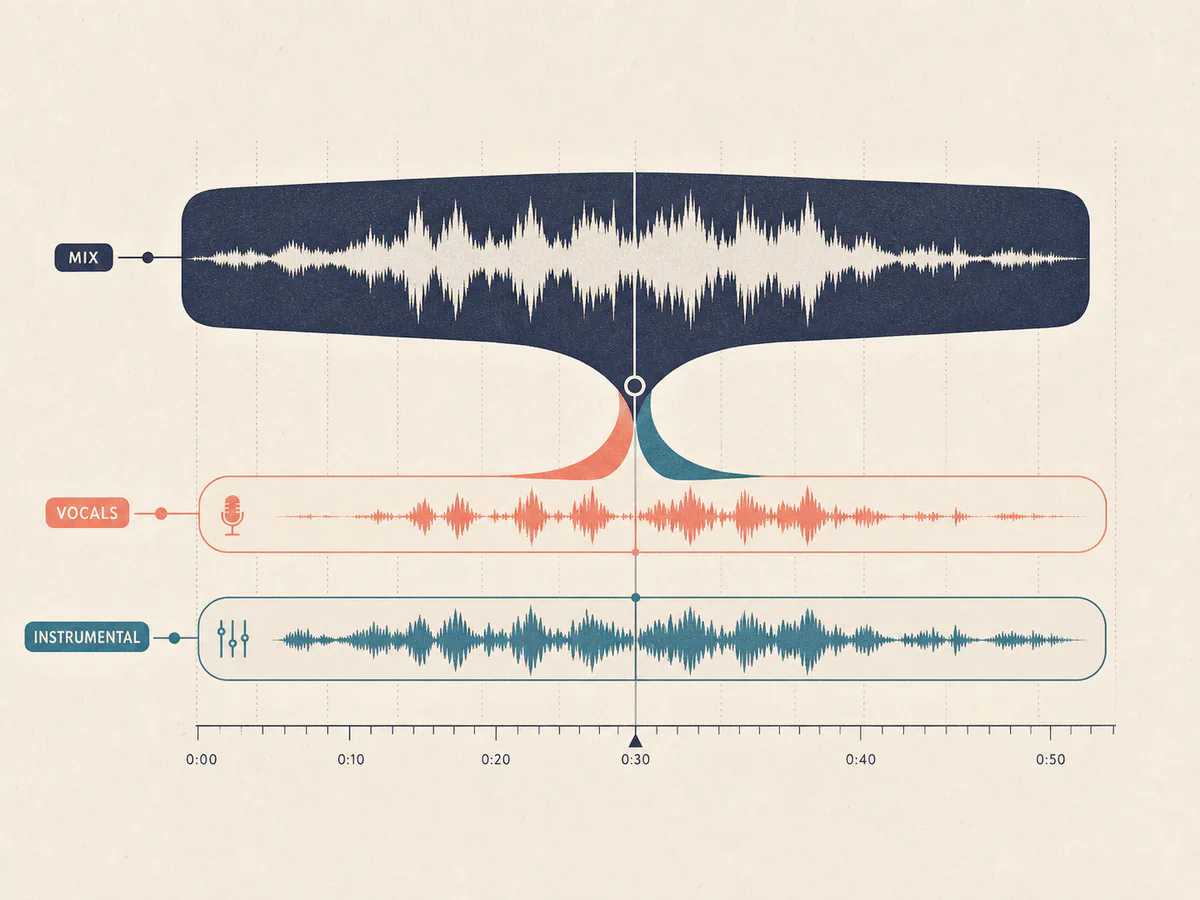
Separate the lead vocal from the backing track while keeping both results aligned to the same timeline.
Remove Vocals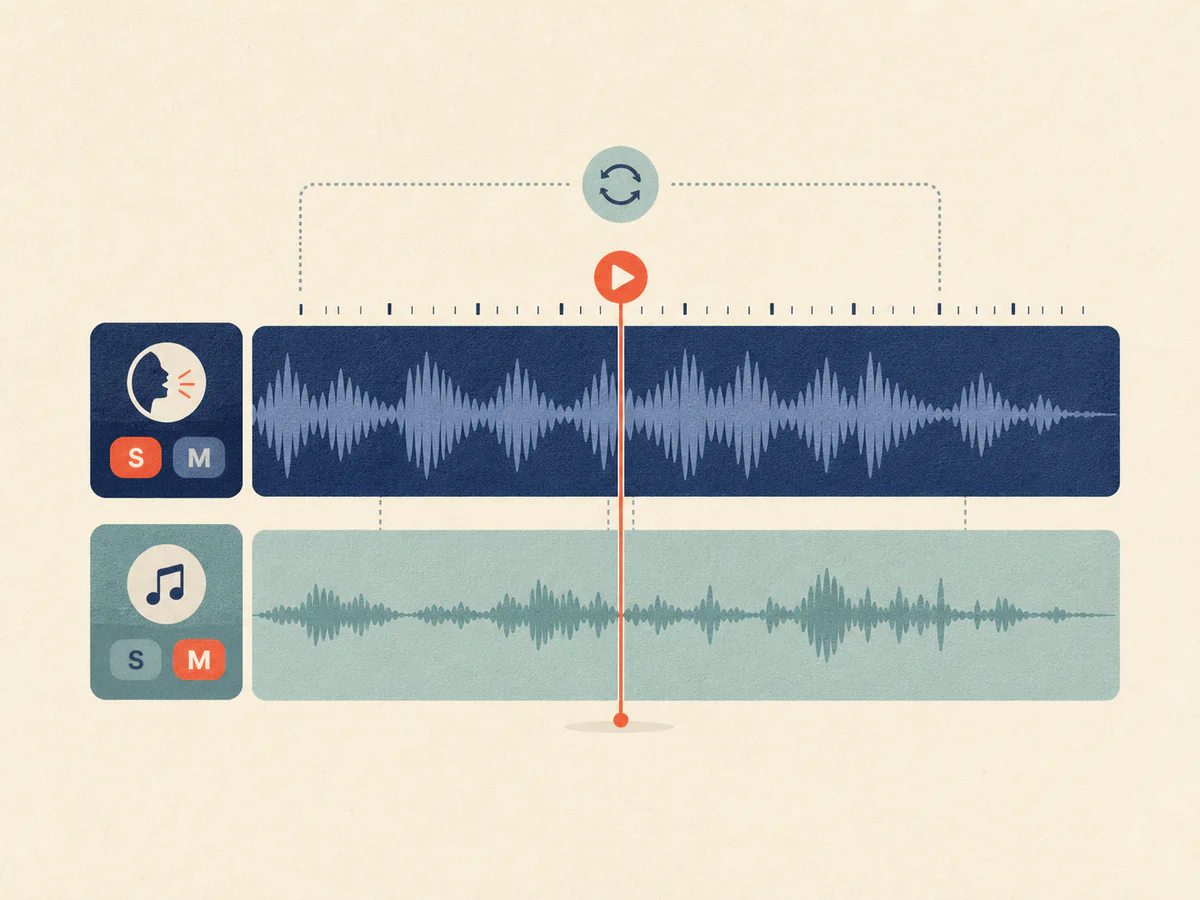
Listen to both tracks together, then solo or mute either one without losing your position.
Remove Vocals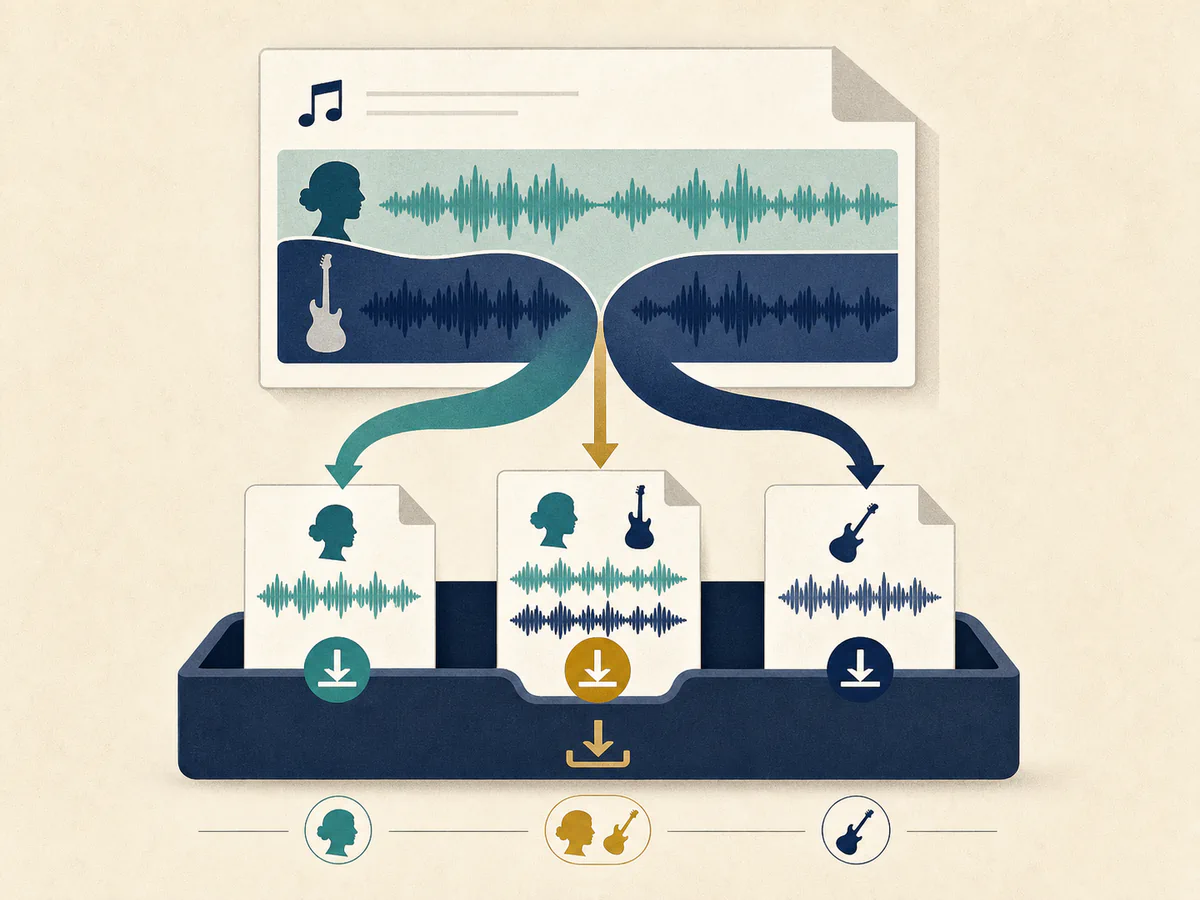
Save the isolated vocal, the instrumental, or both tracks for your next creative step.
Remove VocalsUpload a song, separate the mix, and work with the vocal and instrumental tracks.
Upload an audio file or choose a completed song from your music.
AI processes the original mix and isolates its musical parts.
Preview synchronized tracks, use Solo or Mute, then download individual tracks or a ZIP.
Use separated vocals and instrumentals across familiar music workflows.
Use the instrumental version as a backing track for rehearsals, performances, or sing-along content.
Isolate the vocal performance or remove it to focus on phrasing, melody, and accompaniment.
Start with separate vocal and instrumental tracks before building a new arrangement or production.
Built for people who make music of all kinds. If you are still unsure, read the notes real users left.
Want your review shown here? Write a review
Find answers to common questions about our AI vocal remover.
An AI vocal remover separates a mixed song into an isolated vocal track and an instrumental track, giving you independent control over both parts.
Yes. You can upload a supported audio file or choose a completed song from your music before starting vocal removal. Only use audio that you own or are authorized to use.
Vocal removal returns a vocal track and an instrumental track that share the same synchronized timeline.
Yes. Use the instrumental as a karaoke backing track, or use the isolated vocal as an acapella for practice, editing, or remix preparation.
Yes. The player keeps both tracks synchronized and provides Solo and Mute. Downloading individual tracks or a ZIP requires Starter or higher, or an active credit pack.
A vocal remover creates two tracks: vocal and instrumental. A stem splitter separates the same mix into more detailed parts such as drums, bass, guitar, keys, and vocals.
Yes. New accounts receive 25 credits once at registration, and each vocal removal task uses 10 credits. Credits are automatically returned if processing fails.
Separation quality depends on the complexity and mix of the source song. Clearer vocal and instrumental balance usually produces cleaner isolation, while dense or heavily processed mixes may leave audible artifacts.