A Sailor Once More
Folk / Acoustic
Mastered
0:00 / 3:28

Sample results
Mastered
0:00 / 3:28
Compare unmastered mixes with the same tracks after AI Mastering.
Folk / Acoustic
Mastered
0:00 / 3:28
Electronic / Dubstep
Mastered
0:00 / 2:34
Metal
Mastered
0:00 / 4:01
Hip-Hop
Mastered
0:00 / 3:28
Pick a genre style to master your track. Use a reference only when you have one.
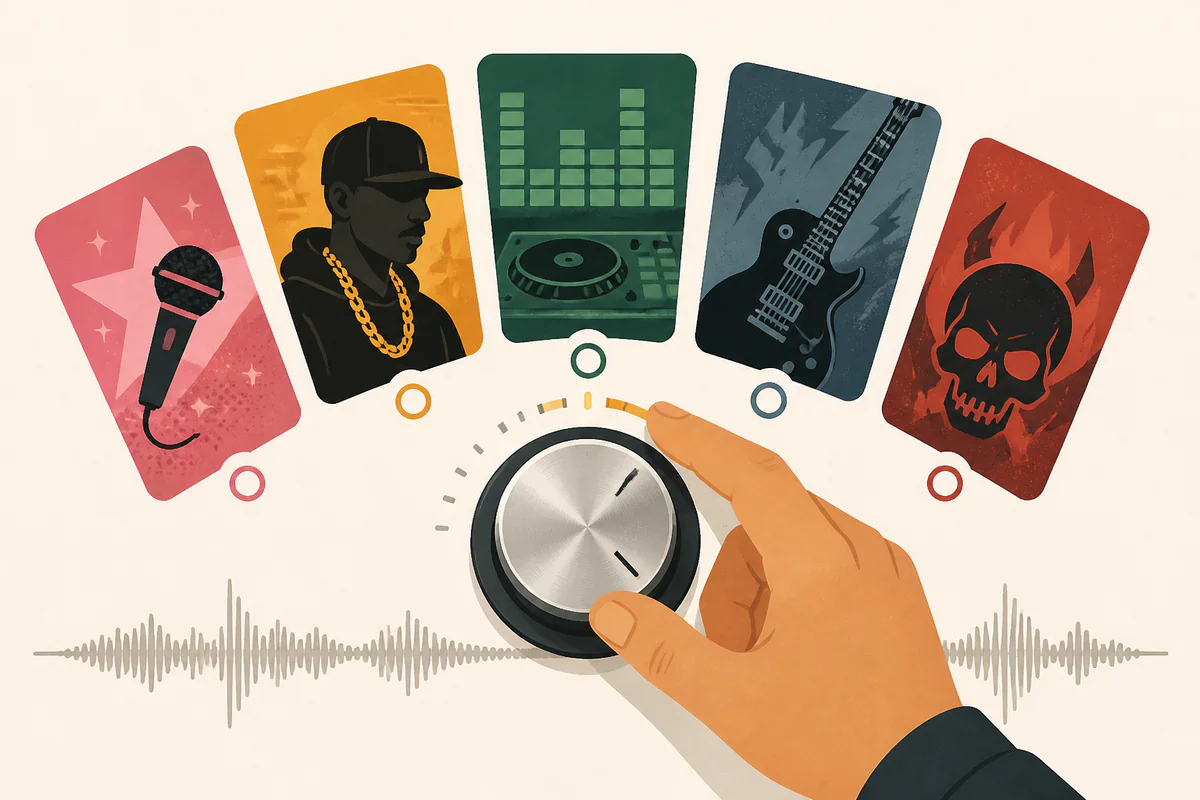
Select from curated genre presets including Pop, Hip-Hop, Electronic, Rock, and Metal to master your track in one click without complex plugins.
Start AI Mastering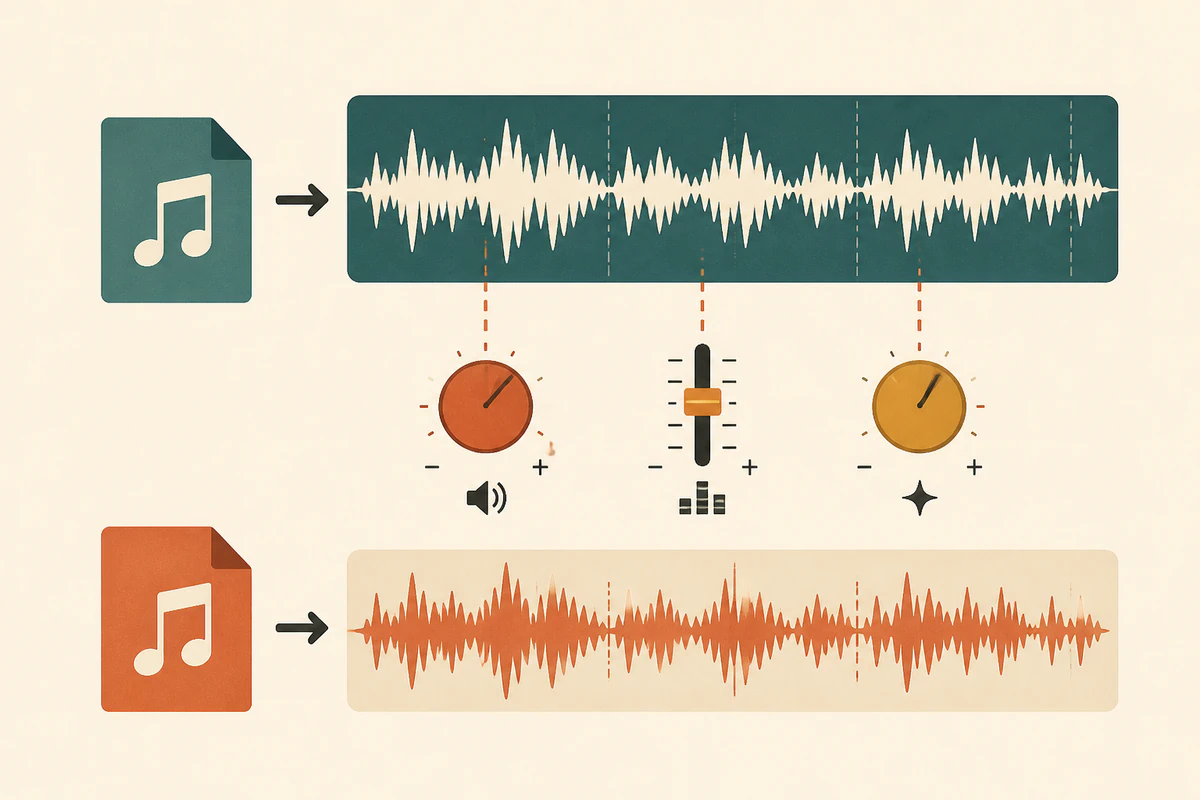
Upload an audio file or select one from your library to match tone, loudness, and clarity to a specific commercial track.
Start AI Mastering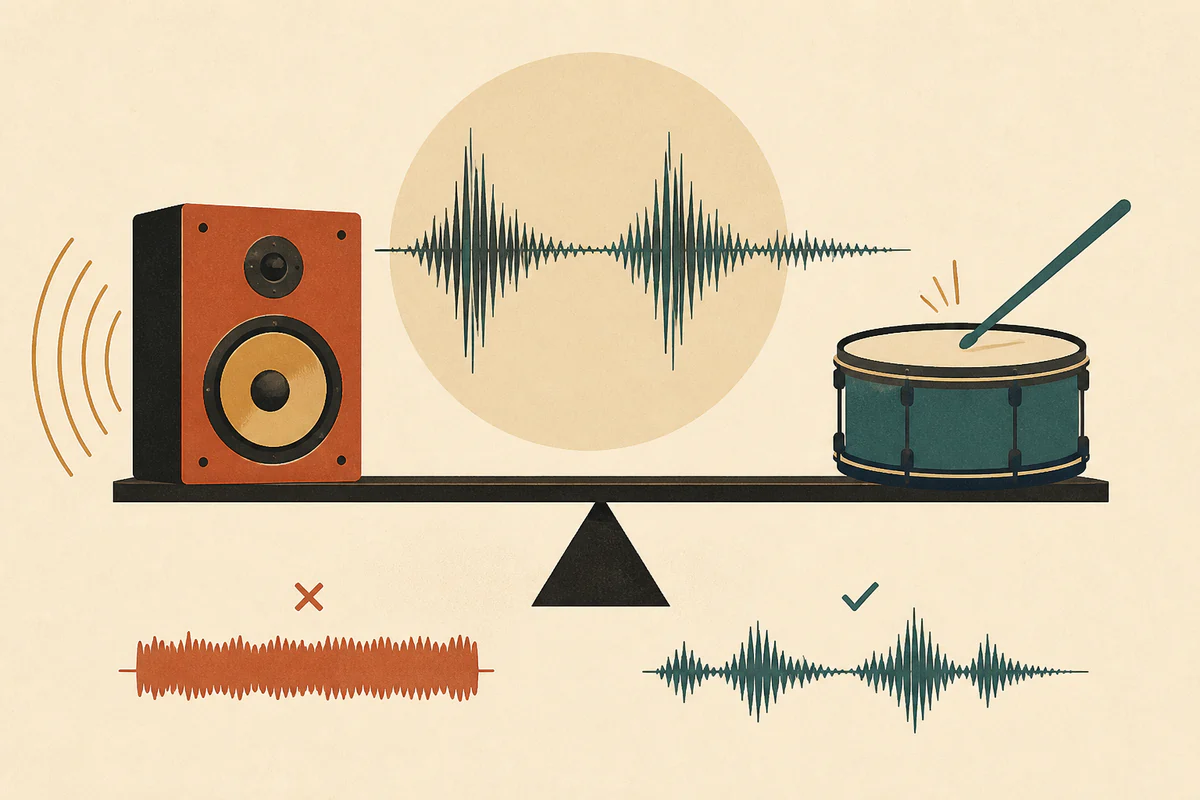
Bring your mix to competitive streaming levels while preserving transients, punch, and natural dynamics without harsh limiting or distortion.
Start AI Mastering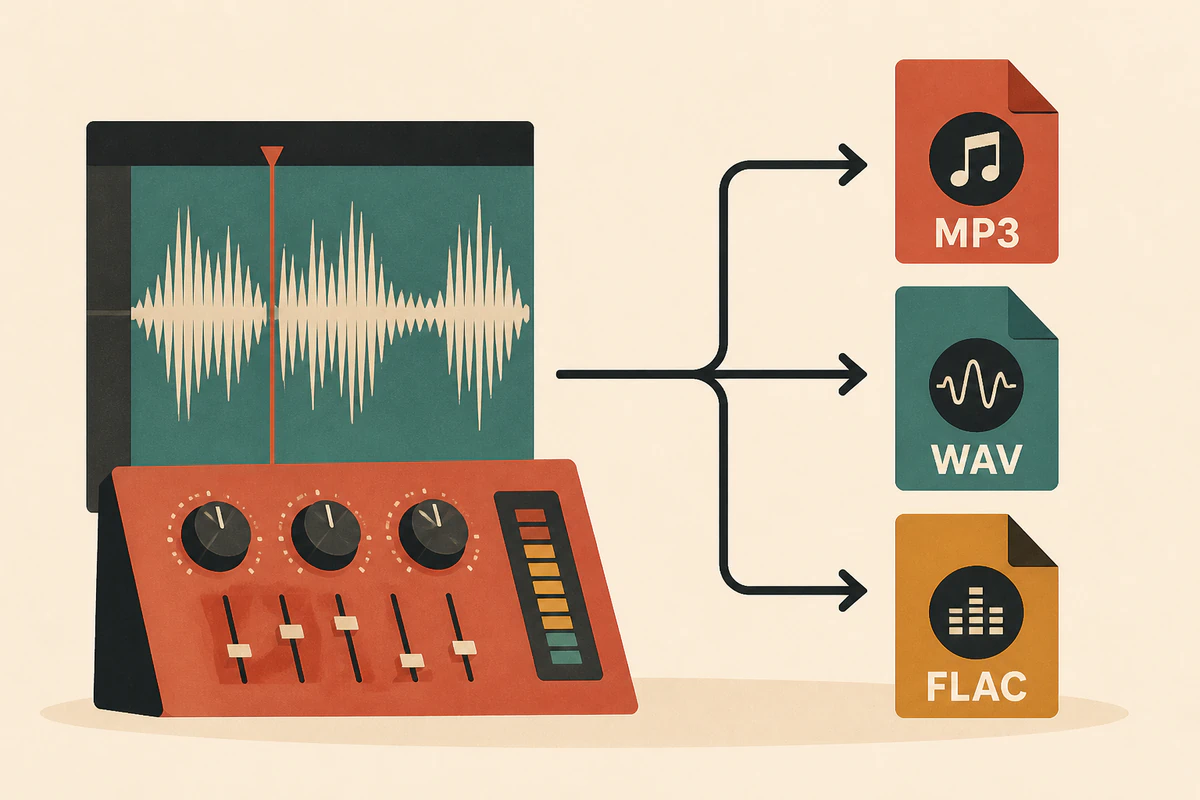
Select your preferred output format before mastering so your finished track is ready for immediate listening or lossless production.
Start AI MasteringUpload your mix, pick a style, and download the master.
Upload an audio mix up to 20 MB and 8 minutes, or choose a completed song from your music library.
Pick a genre preset to get started quickly, or switch to reference mode to match a specific track.
Switch between Mastered and Original to hear the difference, then download your track in MP3, WAV, or FLAC.
Find answers to common questions about styles, references, formats, and credits.
AI mastering balances frequency response, controls dynamic range, and enhances overall loudness and clarity based on your chosen style or reference audio. It does not alter your arrangement or rebalance individual stems in the mix.
Style presets are the fastest way to master and work well for most unmastered mixes within a given genre. Use a reference track when you have a specific commercial song whose tonal balance, loudness, or character you want to emulate closely.
Each AI mastering task uses 10 credits. If mastering fails due to a processing error, your credits are automatically returned.
You can upload MP3, WAV, FLAC, OGG, WebM, and M4A audio files up to 20 MB and 8 minutes. You can export your finished master in MP3, WAV, or FLAC format.
No. Mastering works on your finished stereo file, so problems baked into the mix remain in the master. Correct balance, clipping, or muddiness in the mix first, then master the result.
You can play and compare your mastered tracks in the workspace and in your library. Downloading the audio is available with Starter, Pro, Unlimited, and active credit-pack access.