
AI Music Remixer
Sample results
Explore Music Created with LumiMusic
Discover music created with our AI music generator and find inspiration for your own songs.
Remix Songs Without Starting Over
Keep the musical identity you like while exploring a different sound.

Keep the Original Song Recognizable
Preserve the core melody and musical identity while changing the sound around them.
Create a Remix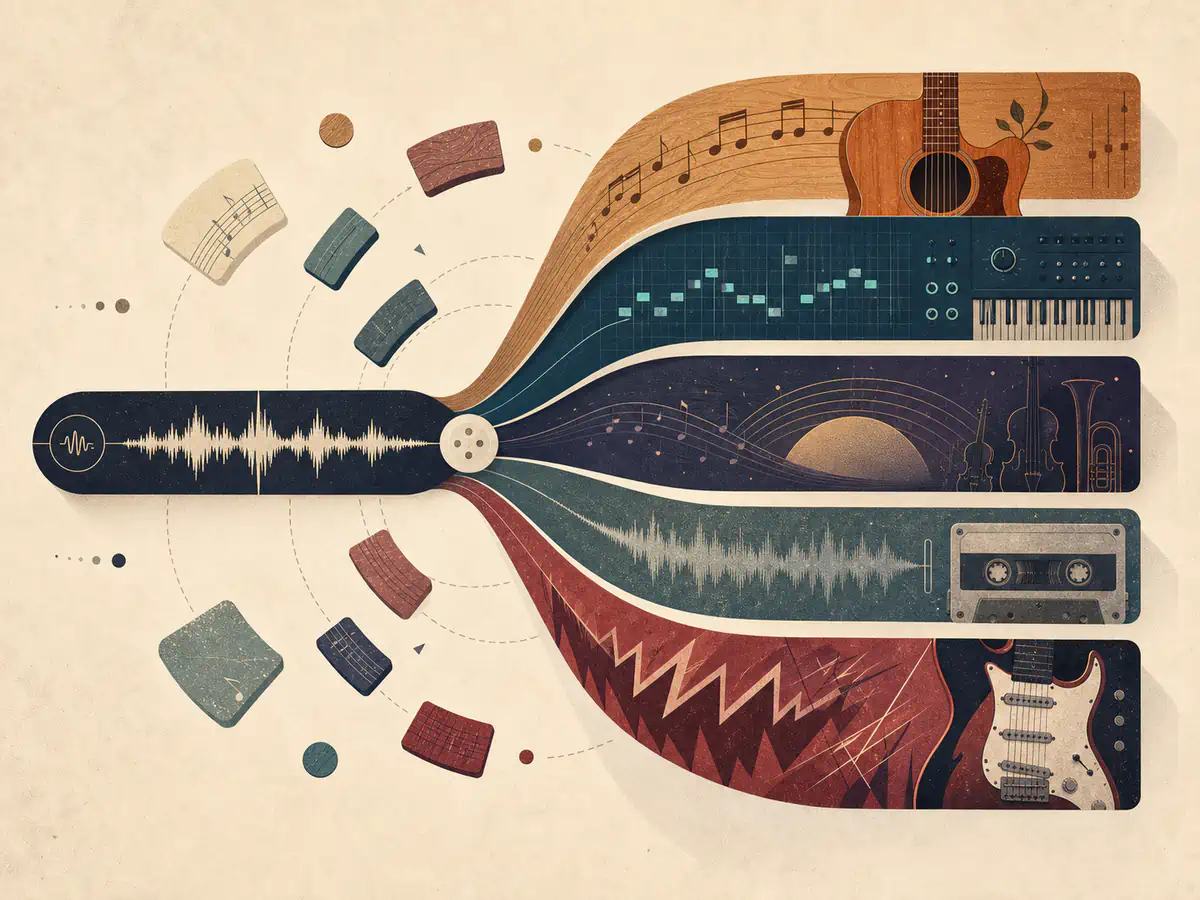
Change Genre, Mood, and Arrangement
Move a track toward acoustic, electronic, cinematic, lo-fi, rock, or another production direction.
Create a Remix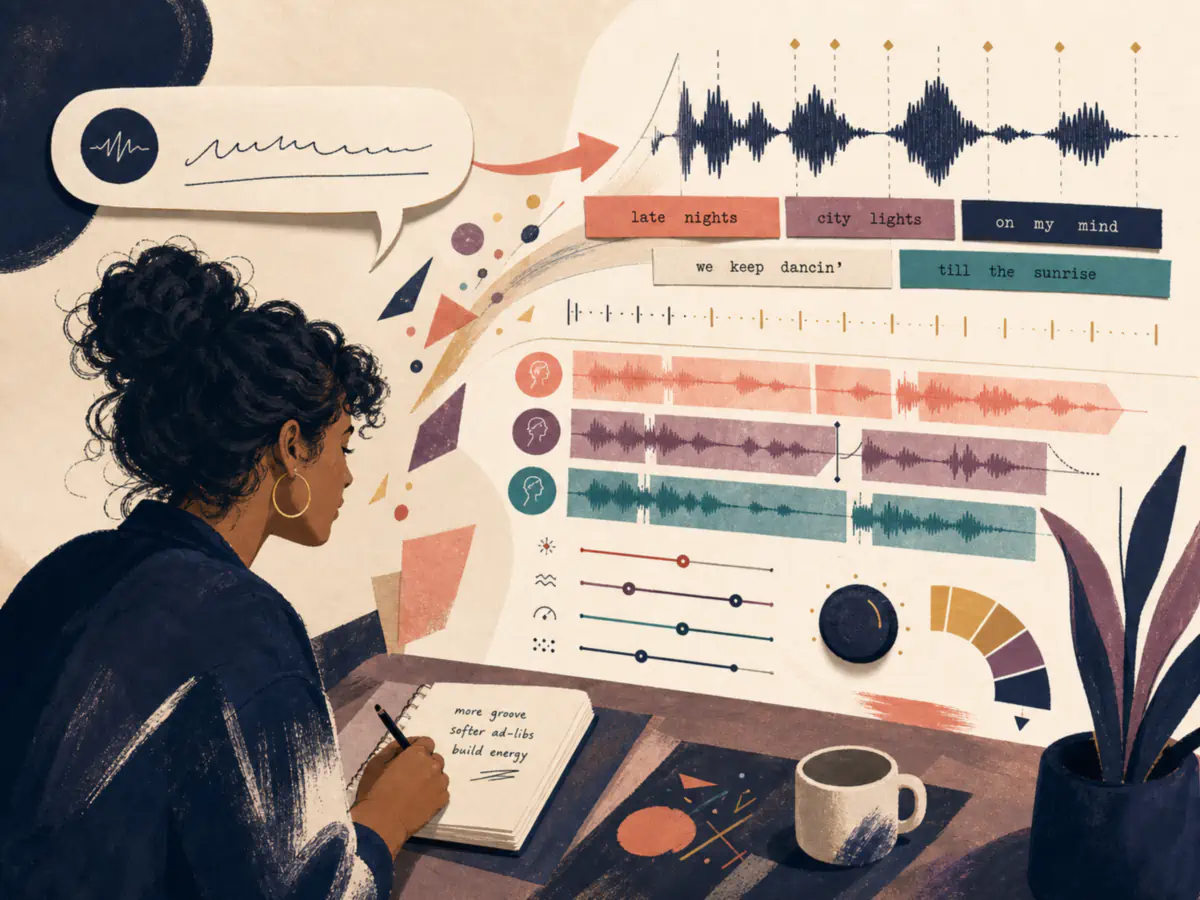
Direct the Remix in Your Own Words
Start with a simple prompt, then use Custom mode for more control over style, lyrics, and vocals.
Create a RemixRemix a Song in 3 Steps
Choose a source, describe the change, and review the result.
- 01
Upload or select your song
Upload a supported audio file or choose a track from My Music.
- 02
Describe the remix direction
Describe the genre, mood, instrumentation, energy, or production style you want.
- 03
Generate and review your remix
Generate the remix and hear how the new direction works with your song.
A Platform Trusted by Music Creators
Built for people who make music of all kinds. If you are still unsure, read the notes real users left.
Want your review shown here? Write a review
Frequently Asked Questions
Find answers to common questions about our AI music remixer.
What is an AI music remixer?
An AI music remixer transforms an existing song into a new version based on the creative direction you provide. It can change genre, mood, instrumentation, energy, and arrangement while keeping the result connected to the source track.
How do I remix a song with AI?
Upload a supported audio file or choose a song from My Music, describe the genre, mood, instrumentation, or production direction you want, then generate and review the new version.
Which audio files can I remix?
You can upload MP3, WAV, FLAC, OGG, WebM, and M4A files up to 20 MB and 8 minutes, or select a completed song from My Music.
Will the remix keep the original melody?
The remixer uses your source track as its musical foundation and aims to preserve its recognizable core while changing the surrounding style, arrangement, and production. Results can vary with the source audio and the direction you provide.
Which genres and remix styles can I create?
You can describe directions such as pop, electronic, cinematic, acoustic, lo-fi, rock, ambient, or club-focused music. You can also specify mood, energy, instruments, vocals, and production characteristics in natural language.
What is the difference between Simple and Custom mode?
Simple mode transforms the source from one concise prompt. Custom mode lets you control exact lyrics, style, title, vocal gender, and additional generation settings.
How many credits does a remix use?
A V series remix uses 10 credits. An R series remix uses 20 credits. Credits are returned automatically if the task fails.
Can I use a remixed song commercially?
Only remix audio that you own or are authorized to use. Commercial use depends on both your rights to the source material and the license included with your plan. Remixing copyrighted audio does not grant new rights to the original song.