Sample - 4-Stem Splitting
4-Stem Splitter2:43

Sample results
Showcase
Compare vocals, backing vocals, drums, bass, and synth in one synchronized sample.
Turn a finished song into synchronized stems you can hear, control, and download.
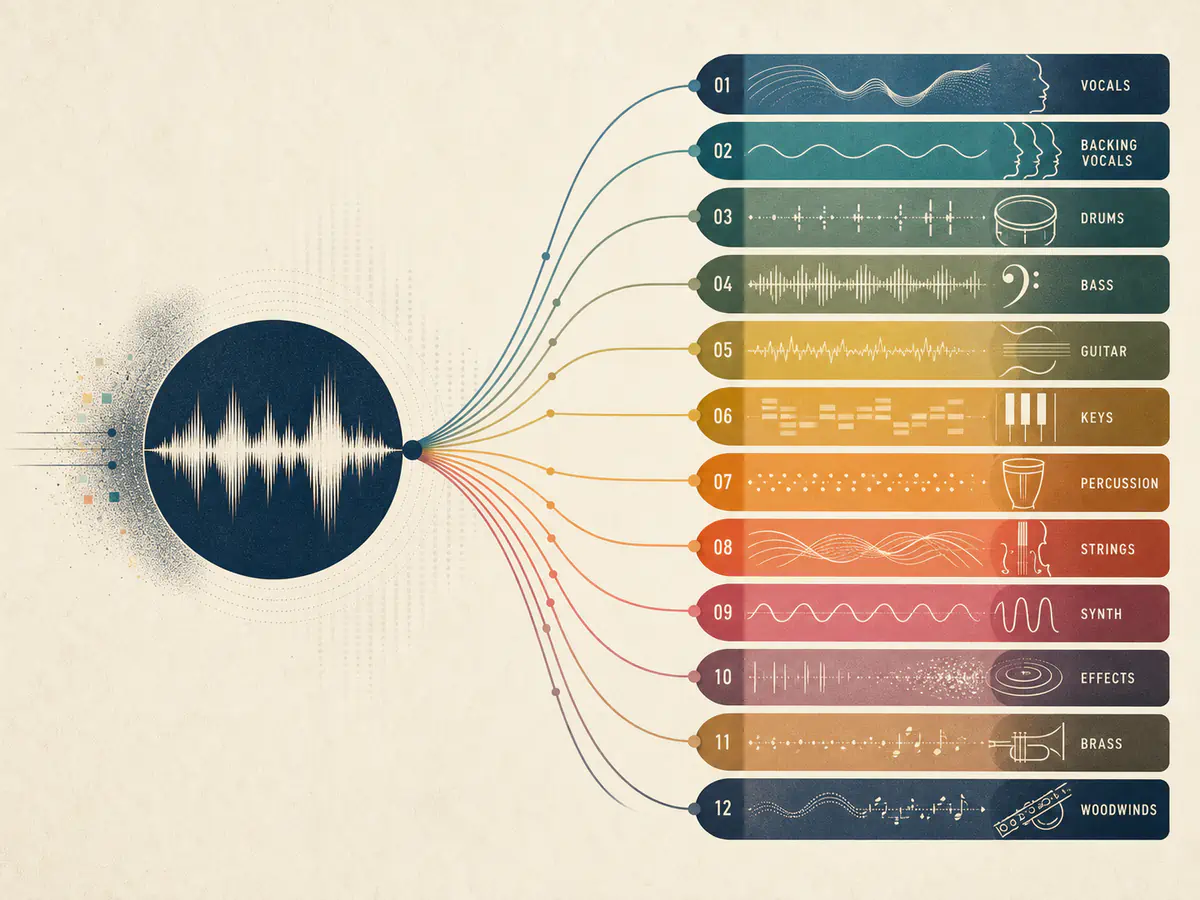
Extract vocals, backing vocals, drums, bass, guitar, keys, percussion, strings, synth, effects, brass, and woodwinds.
Split a Song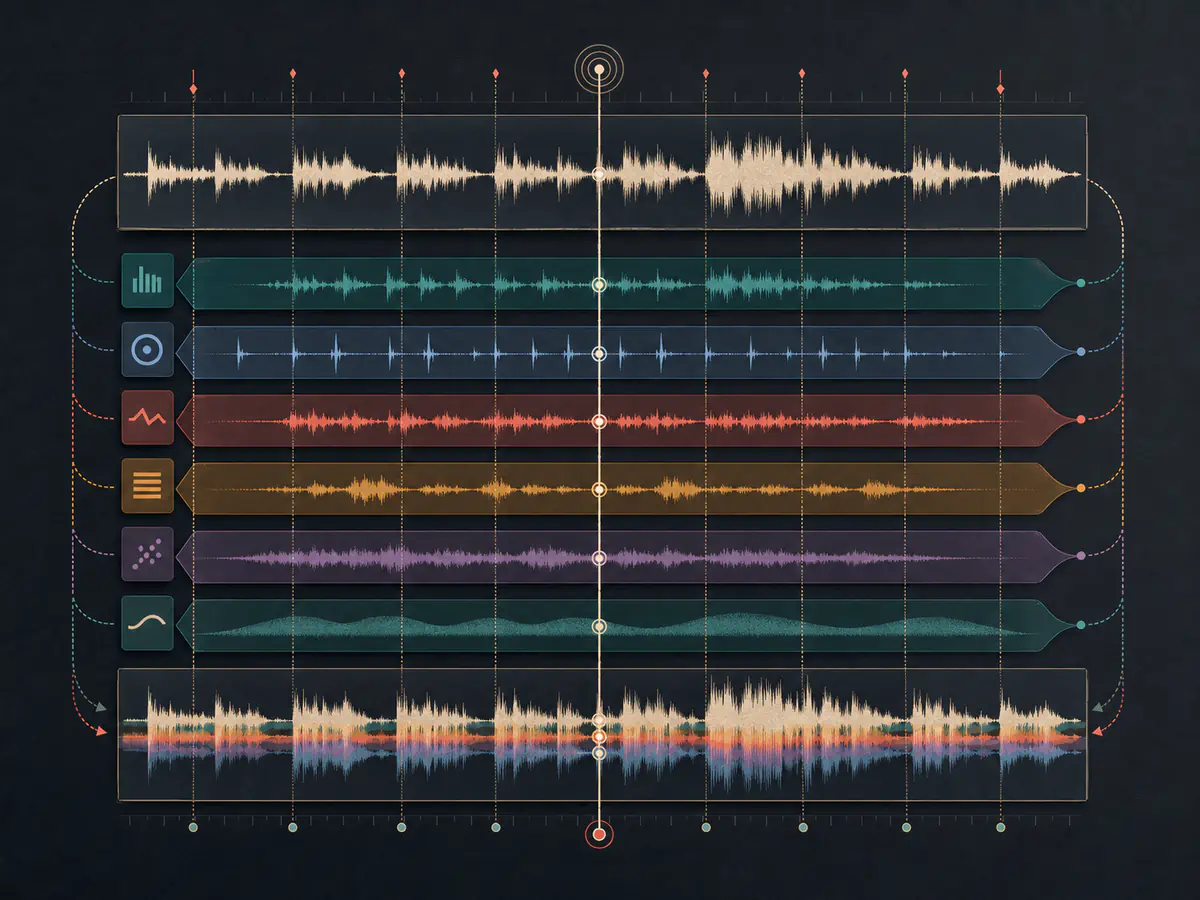
Compare individual parts with the full arrangement while every returned stem stays aligned.
Split a Song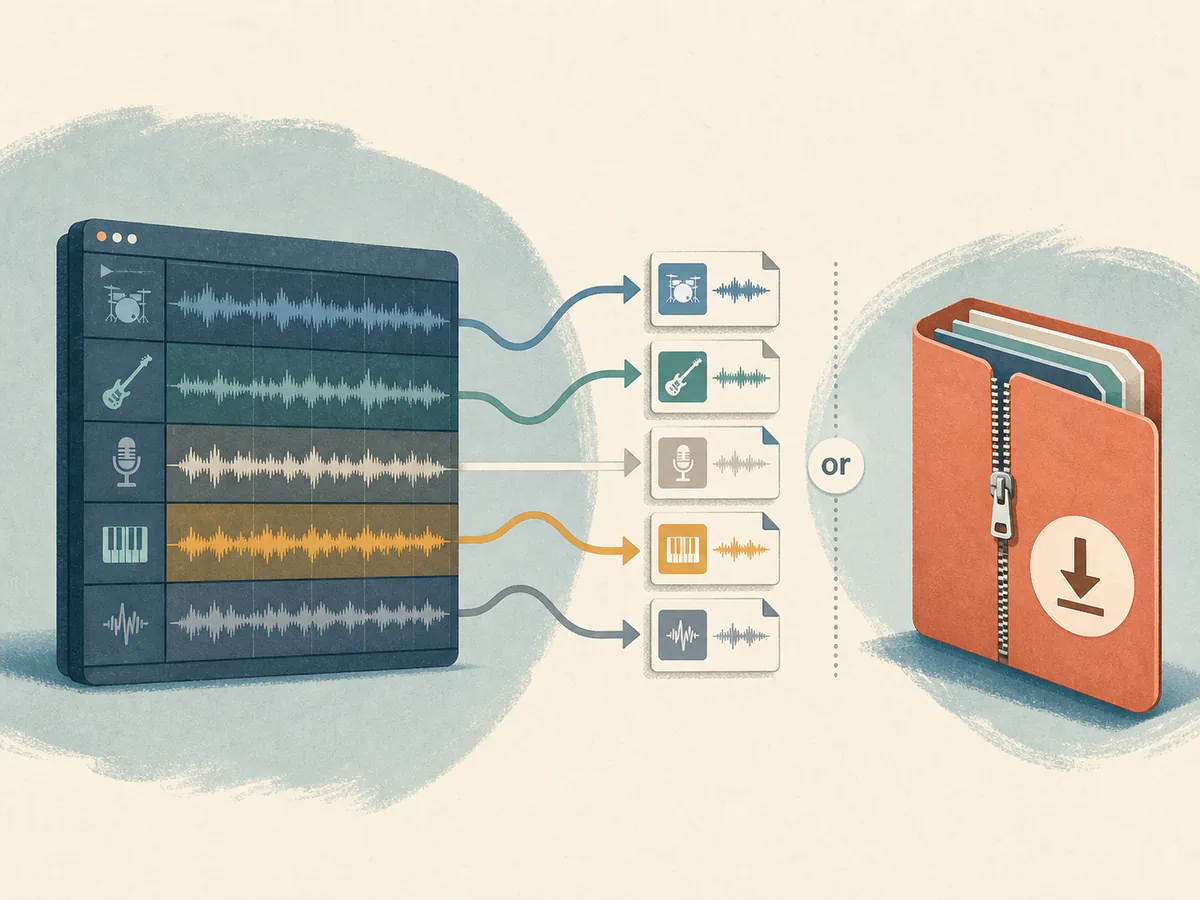
Save the tracks you need separately or download the full stem package for your next workflow.
Split a SongUpload your song, separate the arrangement, and mix or download every available stem.
Upload an audio file or choose a completed song from your music.
AI processes the original mix and isolates its musical parts.
Preview synchronized tracks, use Solo or Mute, then download individual tracks or a ZIP.
Use separated stems wherever deeper control over a finished mix matters.
Rebuild sections, change instrumentation, and prepare individual parts for a new version of the song.
Isolate vocals, drums, bass, guitar, or keys to hear and practice each performance more clearly.
Bring separated parts into your preferred editing or production workflow for more detailed control.
Built for people who make music of all kinds. If you are still unsure, read the notes real users left.
Want your review shown here? Write a review
Find answers to common questions about our AI stem splitter.
An AI stem splitter separates a mixed song into individual vocal and instrument tracks so you can hear, control, and download each part independently.
Yes. You can upload a supported audio file or choose a completed song from your music before starting stem separation. Only use audio that you own or are authorized to use.
Depending on the source mix, results can include vocals, backing vocals, drums, bass, guitar, keyboard, percussion, strings, synth, effects, brass, and woodwinds.
Yes. The multitrack player provides synchronized playback, Solo, and Mute. Existing completed results can be downloaded with Starter or higher, or an active credit pack.
A stem splitter separates a song into detailed vocal and instrument parts. A vocal remover creates two broader tracks: the isolated vocal and the remaining instrumental.
Use individual stems for remixing, rearranging, production, instrument practice, performance study, or any workflow that needs more control over the original mix.
The 4-Stem Splitter is available on Free and uses 10 credits per task. The Advanced Stem Splitter separates up to 12 stems and requires Starter, Pro, Unlimited, or an active credit pack; it uses 50 credits per task. Credits are automatically returned if processing fails.
Stem clarity depends on the source song and its mix. Dense arrangements, overlapping instruments, and heavy processing can make individual parts harder to isolate cleanly.