
AI Song Cover
Sample results
This workspace doesn't have any songs yet
Hear the Original and the Cover
Compare each original track with its AI cover, then apply the voice.
Cover by Taylor Swift
Cover by Jinx LOL
Cover by Trump
Cover by The Weeknd
Cover by Adele
Cover by Hatsune Miku
Cover a Song Without Rebuilding It
Keep the original song and generate a full cover in a selected voice.
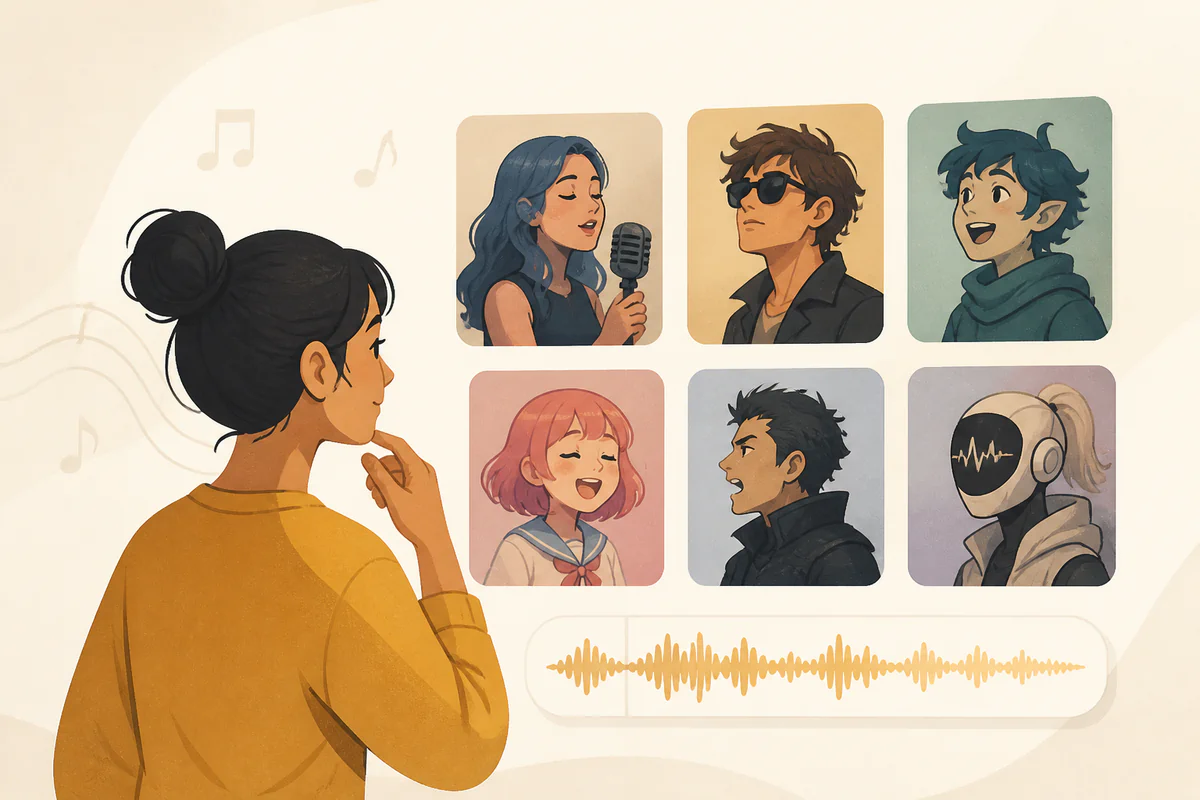
Choose From Curated AI Voices
Browse singer, celebrity, animation, and game voices. Preview a clip first, then pick the voice that will sing this cover.
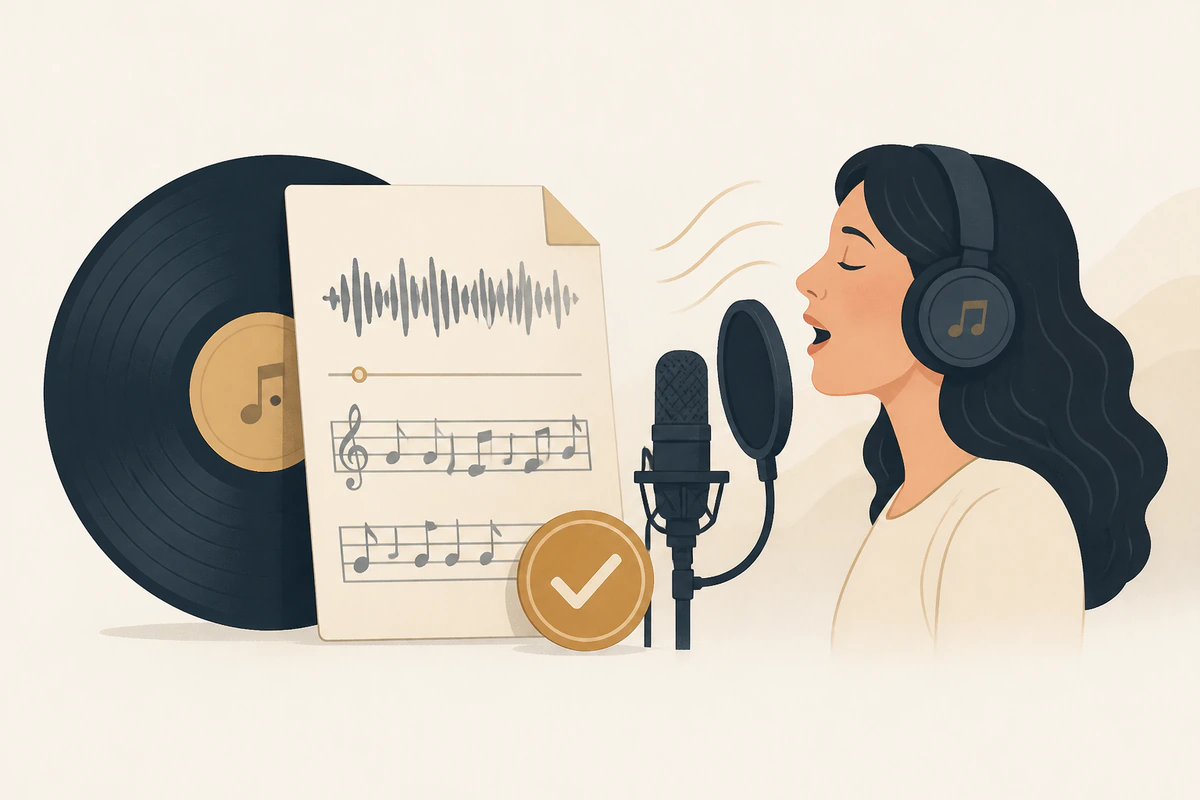
Keep the Original Song as the Source
The new vocal follows your uploaded file or library track, so the cover keeps that song instead of writing a new one.
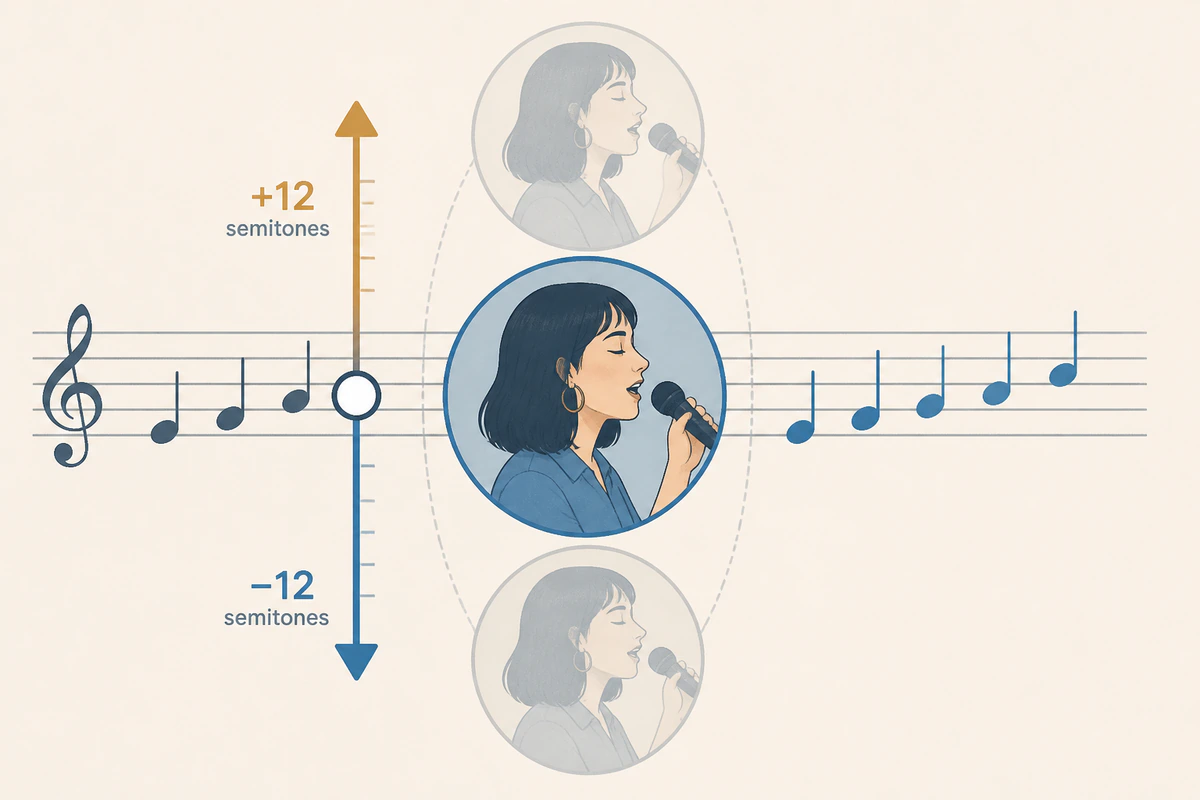
Match the Voice to the Song Key
Shift the cover up or down by up to 12 semitones so the selected voice sits closer to the original key.
How to Create an AI Song Cover
Add a source track, pick a voice, and generate the cover.
Add a Source Track
Upload an MP3, WAV, FLAC, OGG, WebM, or M4A file up to 20 MB and 8 minutes, or choose a completed track from your library. YouTube links are not supported.
Choose a Voice
Open the voice catalog, then filter by singer, celebrity, animation, or game to narrow the list. Preview a short clip for any voice before you select the one that will sing this cover.
Generate the Cover
Optionally shift the cover up or down by up to 12 semitones so the voice matches the song key. Generate one full cover, then listen or download the result from your library.
Frequently Asked Questions
Find answers to common questions about our AI song cover.