
Find the Key and BPM of Any Song
Choose an audio file to find its key, BPM, major or minor mode, and Camelot code for free. Analysis runs locally in your browser with no login or server upload.
Key and BPM Results without Server Uploads
Get the essential tempo and tonal data you need for DJ preparation, remix planning, sampling, and production.
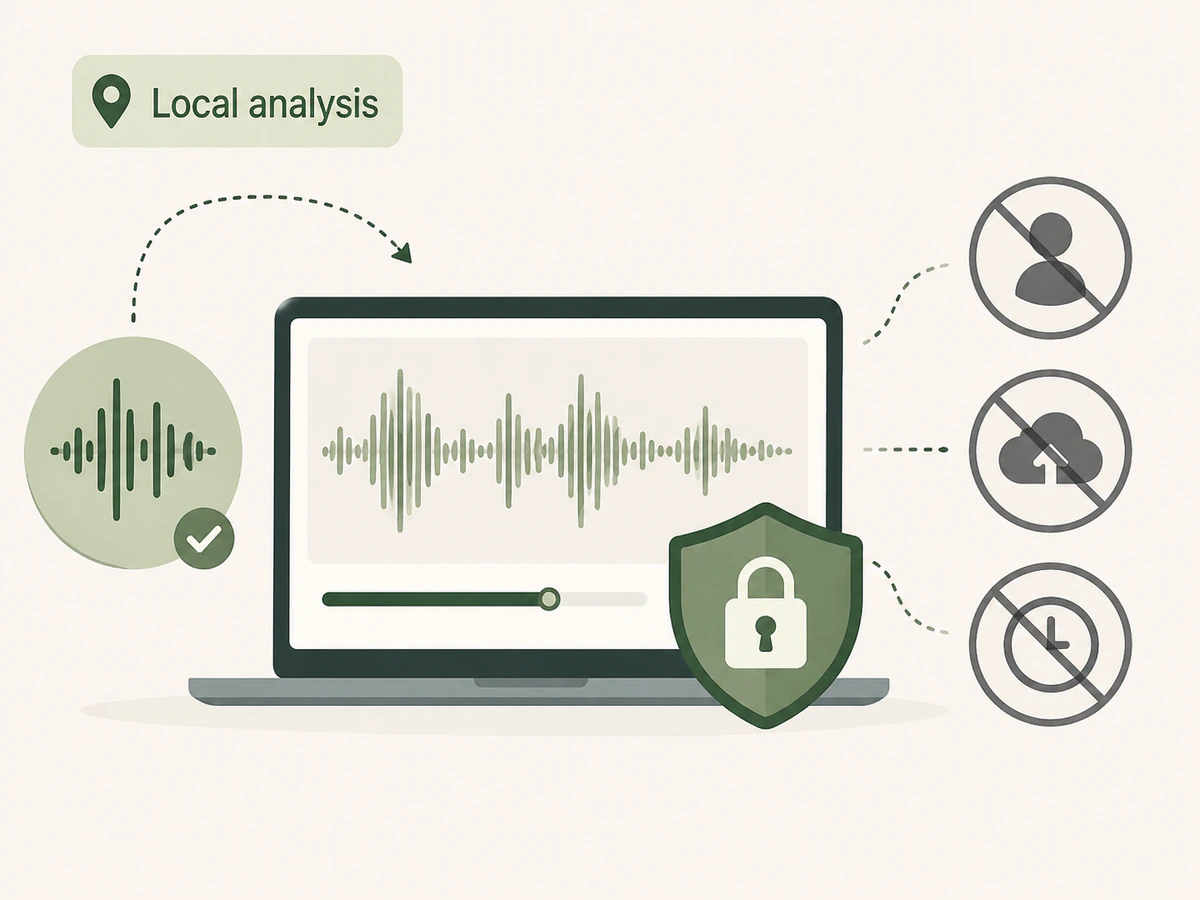
Free, Private Browser Analysis
Analyze supported audio locally in your browser without signing in, using credits, sending files to our servers, or saving analysis history.
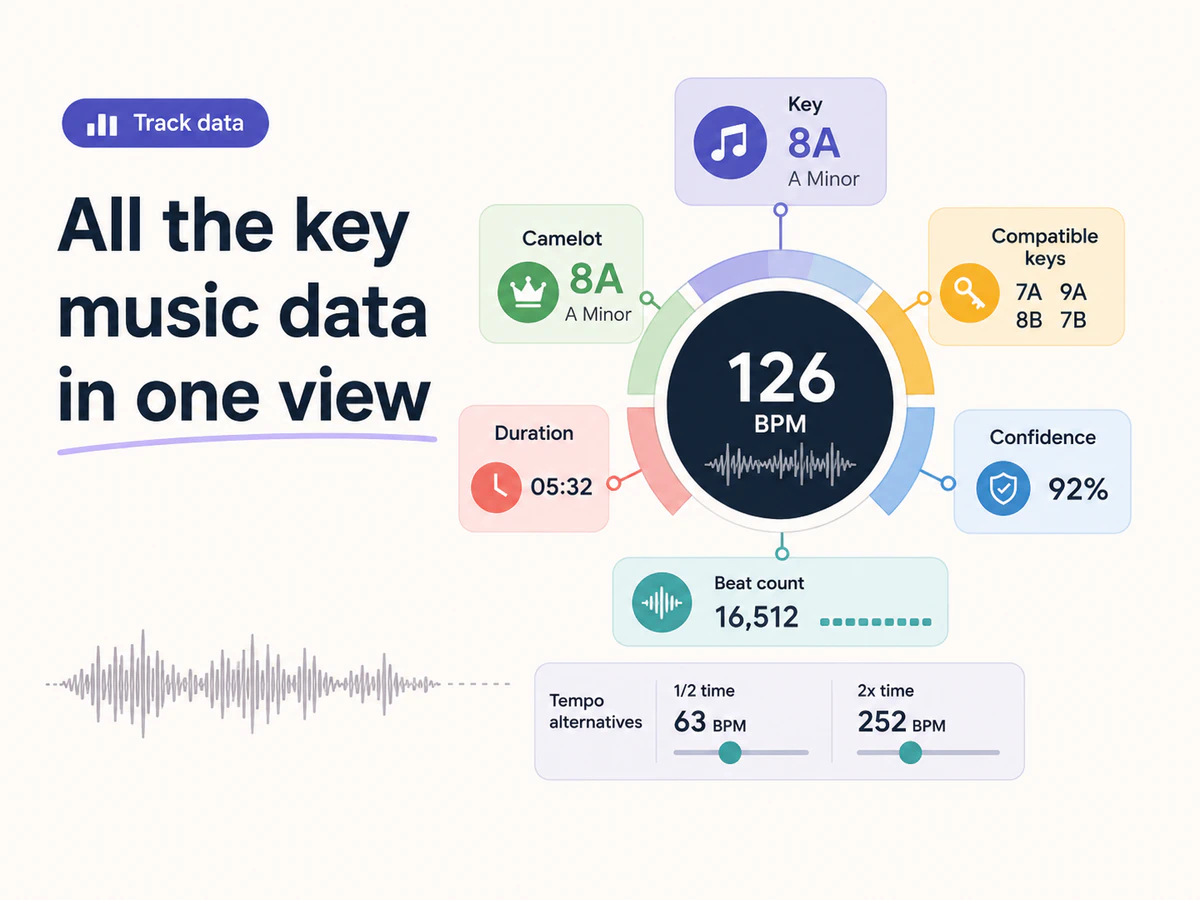
Get Key, BPM, and Camelot in One View
See BPM, musical key, major or minor mode, Camelot code, compatible keys, confidence, duration, beat count, and half-time or double-time alternatives together.
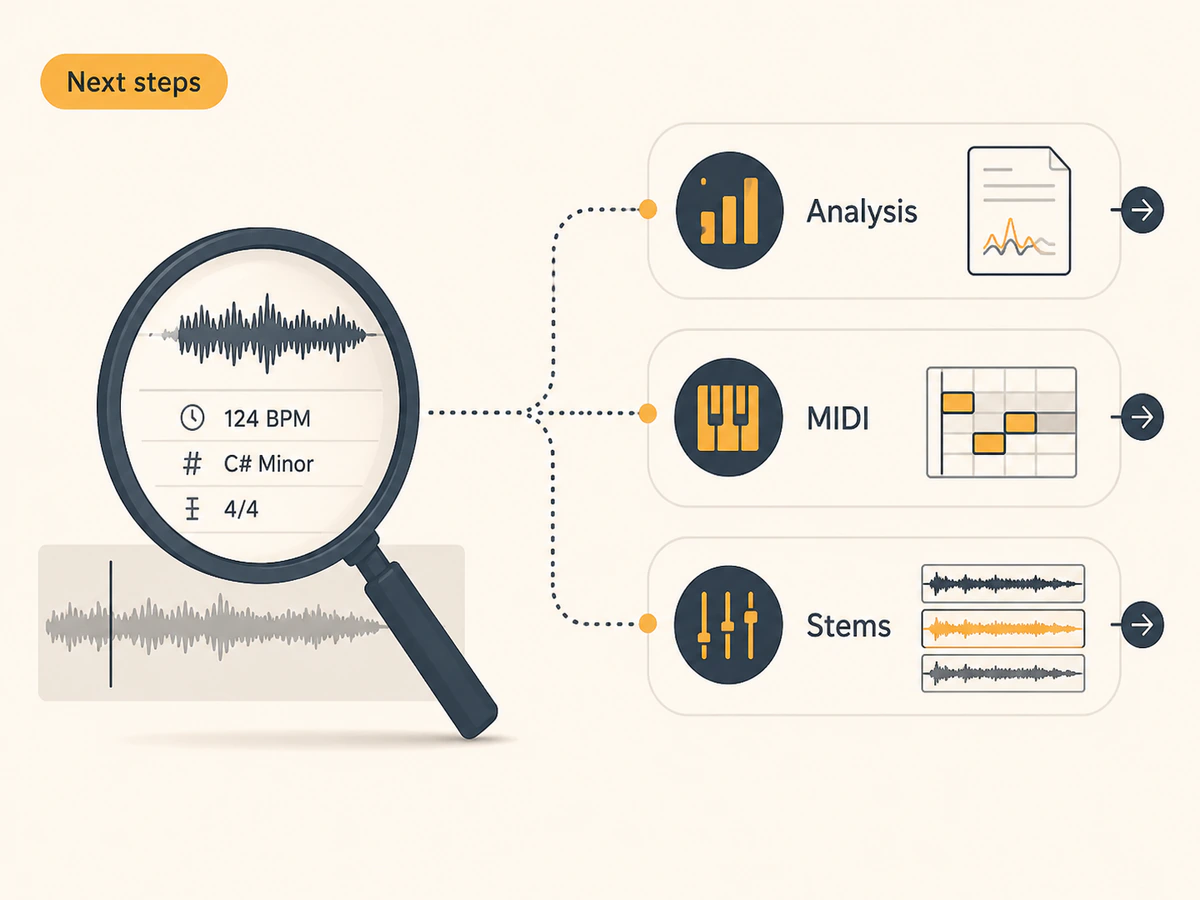
Continue Your Music Workflow
Use the detected values as a reference when you open full song analysis, convert audio to MIDI, or split stems in a separate workflow.
How to Read Your Key and BPM Results
Understand what each result means before you use it for beatmatching, harmonic mixing, sampling, or production decisions.
Understand BPM and Tempo
- BPM measures how many beats occur in one minute. DJs use it to align tracks, while producers use it to set project tempo, warp samples, and place loops on the grid. Treat the detected value as a starting point, and check the half-time or double-time option when the pulse feels slower or faster.
Read Musical Key and Mode
- The key identifies the track's likely tonal center, while the mode shows whether that center is major or minor. Use both when matching vocals, samples, chords, or instruments. Songs that change key or have ambiguous harmony may produce a lower-confidence estimate.
Use Camelot and Compatible Keys
- Camelot code maps standard keys to a DJ-friendly number and letter. A means minor and B means major. Tracks with the same code, neighboring numbers, or the corresponding A/B pair are common starting points for harmonic mixing, but always listen for clashes before committing to a transition.
Check Confidence and Tempo Alternatives
- Confidence reflects how clearly the analyzed audio supports a detected value; it is not an accuracy guarantee. Sparse percussion, tempo changes, dense mixes, tuning drift, or key changes can affect results. Compare the alternatives and confirm important mixing or production decisions by ear.
Find Key and BPM in 3 Steps
Choose a local audio file, run browser-based analysis, then apply the results to your next music task.
Choose an Audio File
Add a supported track, loop, or sample from your computer.
Detect Key and Tempo
Your browser analyzes rhythmic and tonal features locally to estimate BPM and musical key.
Use the Results
Use BPM, key, and Camelot code for mixing, remixing, MIDI work, or full analysis.
Ways to Use Key and BPM Results
Use quick track data when preparing mixes, remixes, samples, and production sessions.
Match Tracks for DJ Sets
Check tempo and Camelot code before building harmonic DJ sets or playlists.
Plan Remixes and Samples
Know the musical foundation before splitting stems, warping loops, or changing arrangement ideas.
Prepare Production Sessions
Use key and tempo before recording new parts, tuning vocals, or arranging around a sample.
Key & BPM Finder FAQ
Learn how local analysis works, which files are supported, and how to interpret the estimates.