
Add Instrumental to Vocals
Sample results
Build an Arrangement Around Your Vocals
Turn a vocal recording into a fuller production with an instrumental shaped around your direction.

Create Music Around the Vocal Performance
Generate accompaniment that responds to the timing and character of the vocal or acapella you provide.
Add Instrumental Now
Choose the Genre and Instrumentation
Describe the rhythm, mood, instruments, and production style you want the backing track to follow.
Add Instrumental Now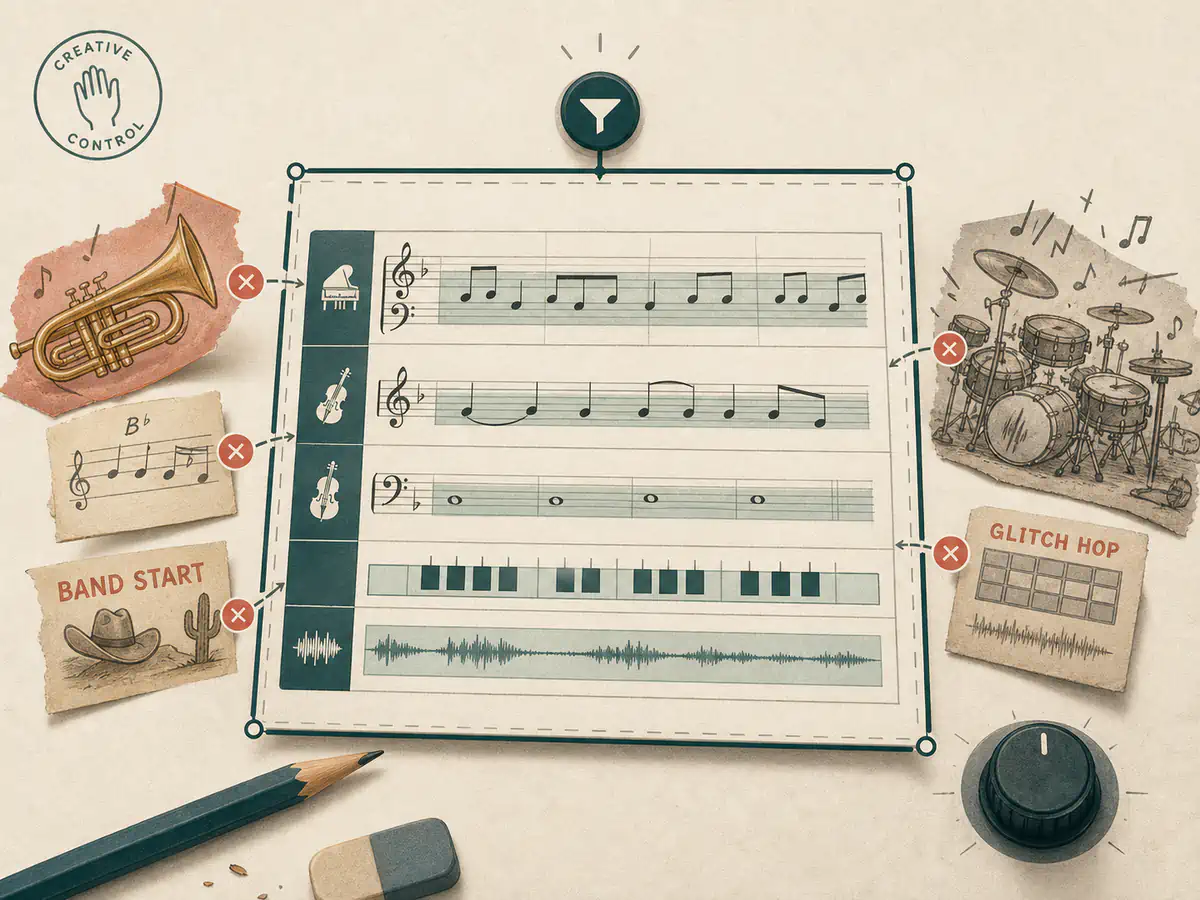
Exclude Unwanted Musical Elements
Steer away from instruments, genres, or production traits that do not fit the song you are building.
Add Instrumental NowHow to Add Instrumental Music to Vocals
Choose your vocal, describe the arrangement, and review a complete musical version.
- 01
Choose a Vocal Track
Upload an acapella or select a vocal-focused track from your music library.
- 02
Describe the Backing Music
Set the genre, instrumentation, mood, and any elements the arrangement should avoid.
- 03
Generate the Full Arrangement
Listen to the result, compare versions, and continue editing in your music workspace.
A Platform Trusted by Music Creators
Built for people who make music of all kinds. If you are still unsure, read the notes real users left.
Want your review shown here? Write a review
Frequently Asked Questions
Find answers to common questions about adding instrumental to vocals.
Can an AI instrumental generator add music to vocals?
Yes. This AI instrumental generator uses your vocal audio as source context, then adds music based on the genre, instrumentation, and mood you describe.
Can I upload an acapella or voice recording?
Yes. A clean acapella or vocal-focused recording gives the generated arrangement the clearest performance to build around.
Can I choose the instruments and music style?
Yes. Describe the genre, rhythm, instruments, mood, and production character in the instrumental direction field, and list anything you want to exclude.
Will the generated instrumental preserve my vocals?
The source vocal guides the generated result, but generation can vary between versions. Review each result before using it in a final production.
How many credits does adding an instrumental use?
Each add-instrumental task uses 10 credits. Credits are automatically returned if the generation task fails.
Can I release the generated arrangement commercially?
Only use source audio that you own or are authorized to use. Commercial use of the result also depends on your active plan and the current license terms; a plan license does not grant rights to third-party source material.