
Free AI Audio to MIDI Converter
Convert vocals, piano, guitar, and other clear recordings into editable MIDI for your DAW or the MIDI Editor.
Turn Audio into Editable MIDI
Transcribe musical ideas into MIDI, download the result, or continue editing right away.
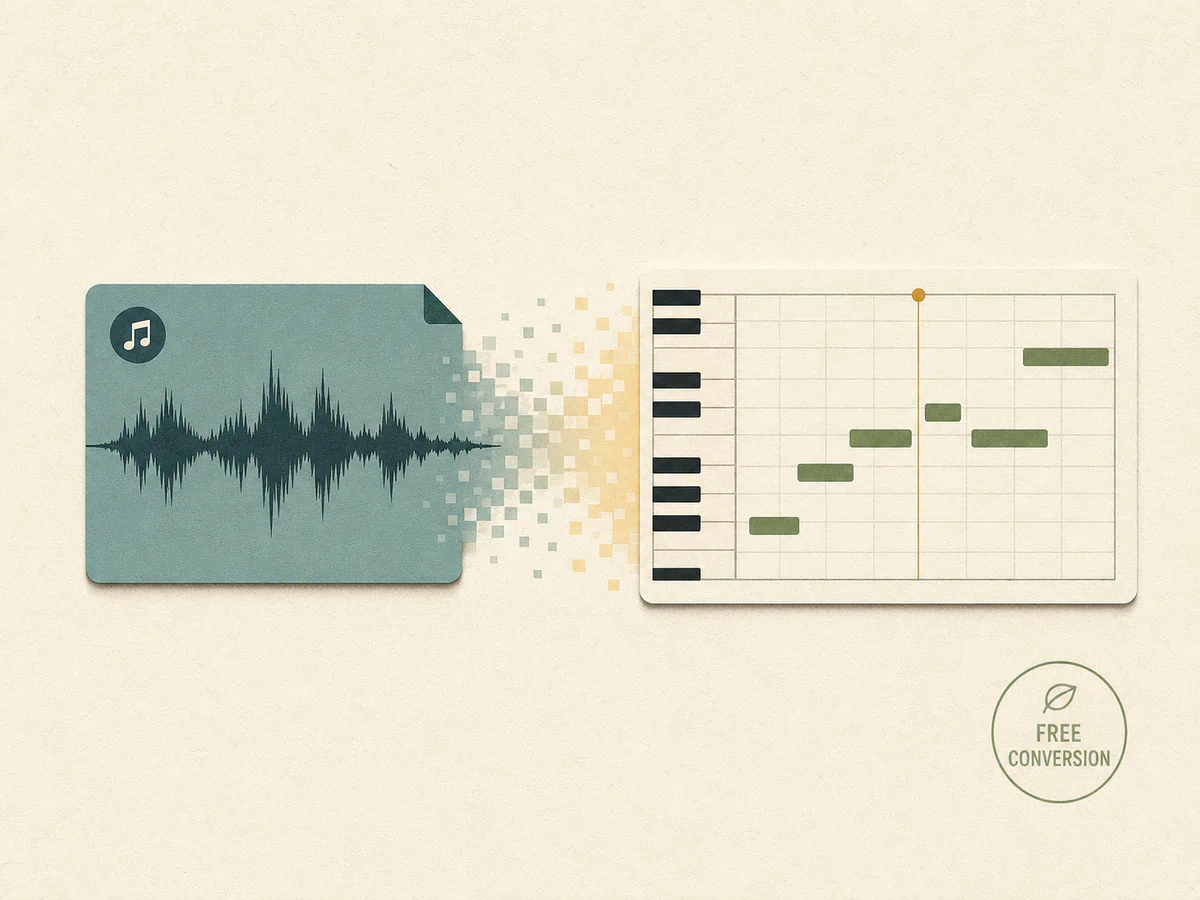
Convert Audio for Free
Create and download MIDI from supported audio files without an account or credits.
Convert Audio to MIDI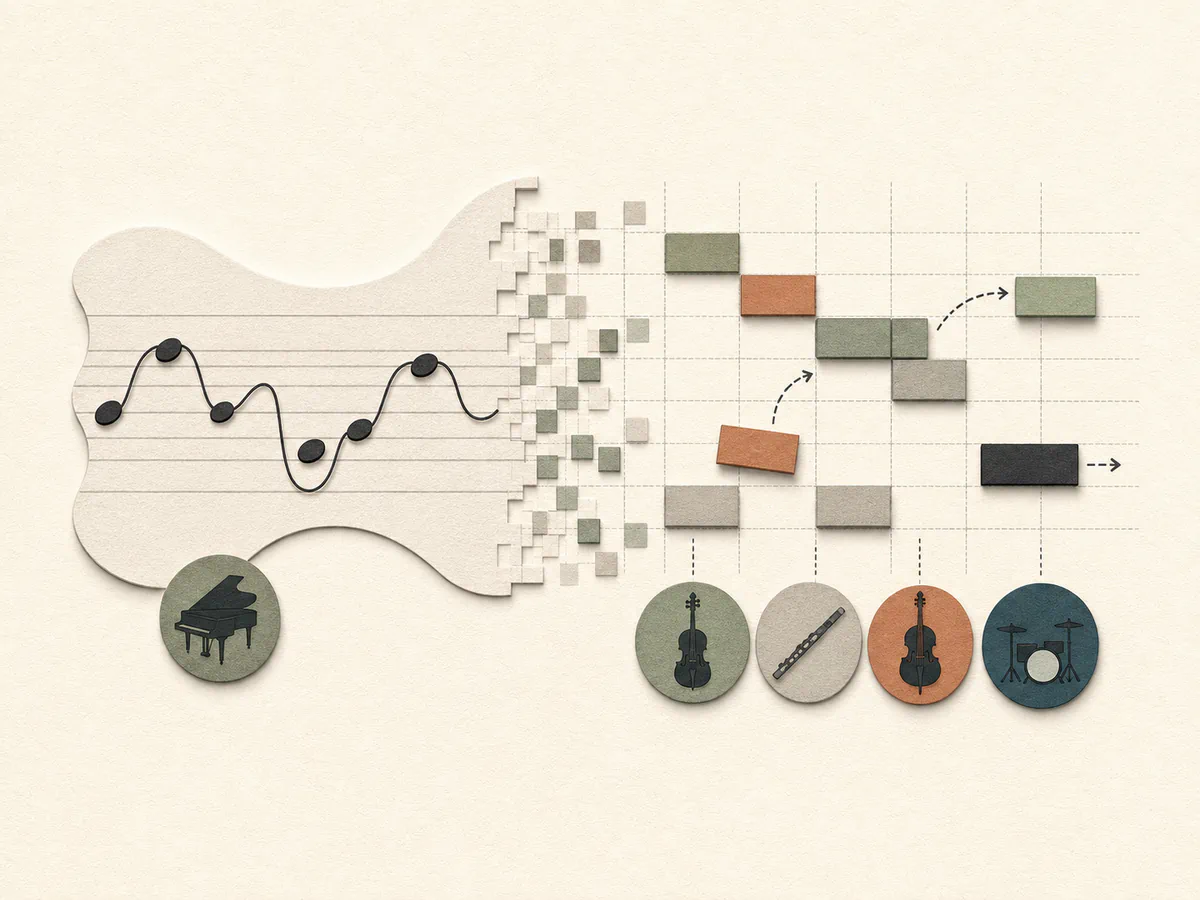
Get MIDI Notes You Can Edit
Turn detected pitch and timing into note data you can adjust, rearrange, and assign to new instruments.
Convert Audio to MIDI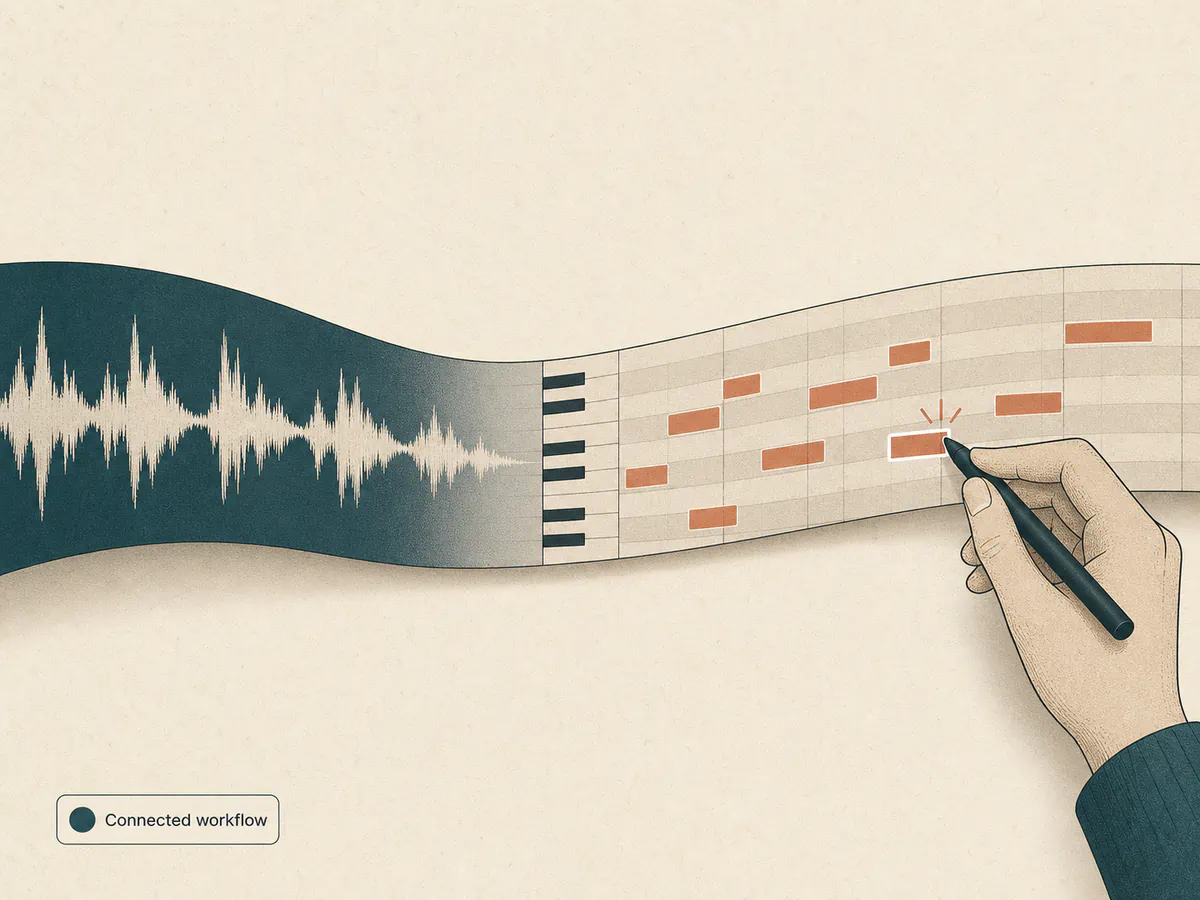
Continue in the MIDI Editor
Open the converted file directly in the MIDI Editor without downloading and importing it again.
Convert Audio to MIDIConvert Audio to MIDI in 3 Steps
Upload a recording, let AI transcribe its notes, then download or edit the MIDI.
- 01
Add Your Audio
Choose a clear vocal, piano, guitar, or isolated instrument recording in a supported format.
- 02
Transcribe the Notes
AI analyzes pitch, timing, and note events to create structured MIDI data.
- 03
Edit or Export
Download the MIDI for your DAW or open it directly in the MIDI Editor.
Ways to Use Audio to MIDI
Capture musical ideas, recreate instrument parts, and move them into your production workflow.
Turn Voice Memos into MIDI
Convert a sung melody or voice memo into editable notes while the idea is still fresh.
Transcribe Instrument Parts
Extract notes from clear piano, guitar, bass, and other pitched instrument recordings.
Build New Arrangements
Use transcribed notes as a starting point for new sounds, harmonies, remixes, or arrangements.
A Platform Trusted by Music Creators
Built for people who make music of all kinds. If you are still unsure, read the notes real users left.
Want your review shown here? Write a review
Audio to MIDI Converter FAQ
Answers about supported files, conversion accuracy, MIDI editing, and free use.
What does an audio to MIDI converter do?
It analyzes pitch, timing, and note events in a recording and turns them into MIDI data. You can then edit the notes, change instruments, or build a new arrangement in a DAW or the MIDI Editor.
Can I convert MP3 or WAV to MIDI?
Yes. The converter supports MP3, WAV, M4A, FLAC, and OGG files up to 10 MB and 8 minutes, depending on your browser's audio format support.
What kind of audio produces the best MIDI?
Clear vocal melodies, piano phrases, guitar riffs, and isolated instrument parts work best. Dense mixes with overlapping instruments usually need more cleanup.
How accurate is audio to MIDI conversion?
Accuracy depends on the recording. Simple, clearly pitched parts are easier to transcribe than full mixes, heavy effects, or noisy performances.
Can I edit the MIDI after conversion?
Yes. Download the standard MIDI file for your DAW, or open it directly in the MIDI Editor to adjust notes and timing.
Is the audio to MIDI converter free?
Yes. Converting audio and downloading the MIDI file do not require credits or an account.